FPV Accessories
Optimize Your Flight: High-Performance DJI FPV Accessories & Gear
As any seasoned pilot knows, the DJI ecosystem is powerful, but the right FPV accessories are what truly bridge the gap between a standard flight and a professional cinematic experience. Whether you are looking for a dji fpv remote controller 2 upgrade or searching for the best dji fpv goggles v2 accessories to fix light leakage, our curated selection focuses on durability, signal reliability, and ergonomic comfort.
DJI FPV Compatibility Matrix
Before you buy, ensure your fpv goggles and fpv drone controller are compatible with your air unit or drone. Use the table below for quick reference:
Accessory
Compatible Hardware
Primary Benefit
DJI Remote Controller 2
Avata, DJI FPV Drone, O3 Air Unit
Low Latency, Integrated Control
Goggles V2 Antennas
DJI FPV Goggles V2
Increased Penetration & Range
FPV Kit for RC Car
Universal Analog/Digital Kits
Surface First-Person View
High-C Battery Packs
DJI FPV Drone, Custom Builds
Reduced Voltage Sag
Step-by-Step Setup: Optimizing Your DJI Headset
Firmware Sync: Always update your dji fpv goggles and dji remote controller 2 via DJI Assistant 2 (Consumer Drones Series) before your first flight to ensure Ocusync stability.
Antenna Orientation: For the dji fpv goggles v2, ensure the top linear antennas are parallel to your drone’s flight path for maximum gain.
Binding: Power on the drone, hold the power button until it beeps, then repeat for the fpv remote and goggles to link the system.
Addressing Real-World Pilot Issues
Based on community feedback from Reddit and our own engineering tests, we know that getting into FPV involves a “constant accumulation of things.” It’s not just the drone; it’s the drone tools, soldering iron, and replacement props that keep you in the air. One common issue with the current gen of fpv goggles is light leakage. Many pilots find they need to do some “DIY stuff,” like adding aftermarket foam pads, to get a perfect fit.
Furthermore, if you are looking at an fpv race drone kit, be wary of protocol mismatches. We’ve seen many pilots accidentally buy the CC2500 version of a transmitter when they intended to get the ELRS version. Always double-check your internal RF module specs! For the latest tech, explore our New FPV Arrivals to stay ahead of the curve.
Frequently Asked Questions
Is 16/9 or 4:3 better for FPV?
4:3 is generally preferred for FPV flying because it provides more vertical FOV (field of view). This is crucial when your drone tilts forward during high-speed flight, allowing you to see the horizon and obstacles more clearly. While 16:9 looks more cinematic, most pros stick to 4:3 for the tactical advantage.
What is the $200 DJI drone?
DJI recently unveiled the Neo, a $200 drone aimed at content creators. While it features palm takeoff and voice control, it serves as a great entry point for those curious about the ecosystem before moving up to a full fpv kit.
Is the DJI FPV hard to fly?
Yes, FPV drones can be challenging. Unlike standard GPS drones, FPV requires manual input to maintain level flight. However, using the dji fpv combo accessories like the Motion Controller can ease the learning curve for beginners.
What mode do FPV pilots use?
Acro (Manual) mode is the standard for FPV. It allows for full control over the drone’s orientation, enabling flips, rolls, and precise gaps. It takes practice, but it is the only way to experience true FPV freedom.
Do pros use 4:3 or 16:9?
The pro scene is dominated by 4:3. This isn’t just nostalgia; the extra vertical data is vital for technical racing and freestyle maneuvers. If you are serious about performance, configure your drone fpv goggles to 4:3.
Need to maintain your rig? Don’t forget to stock up on essential Drone Tools for field repairs and component swaps.
- Drone Accessories
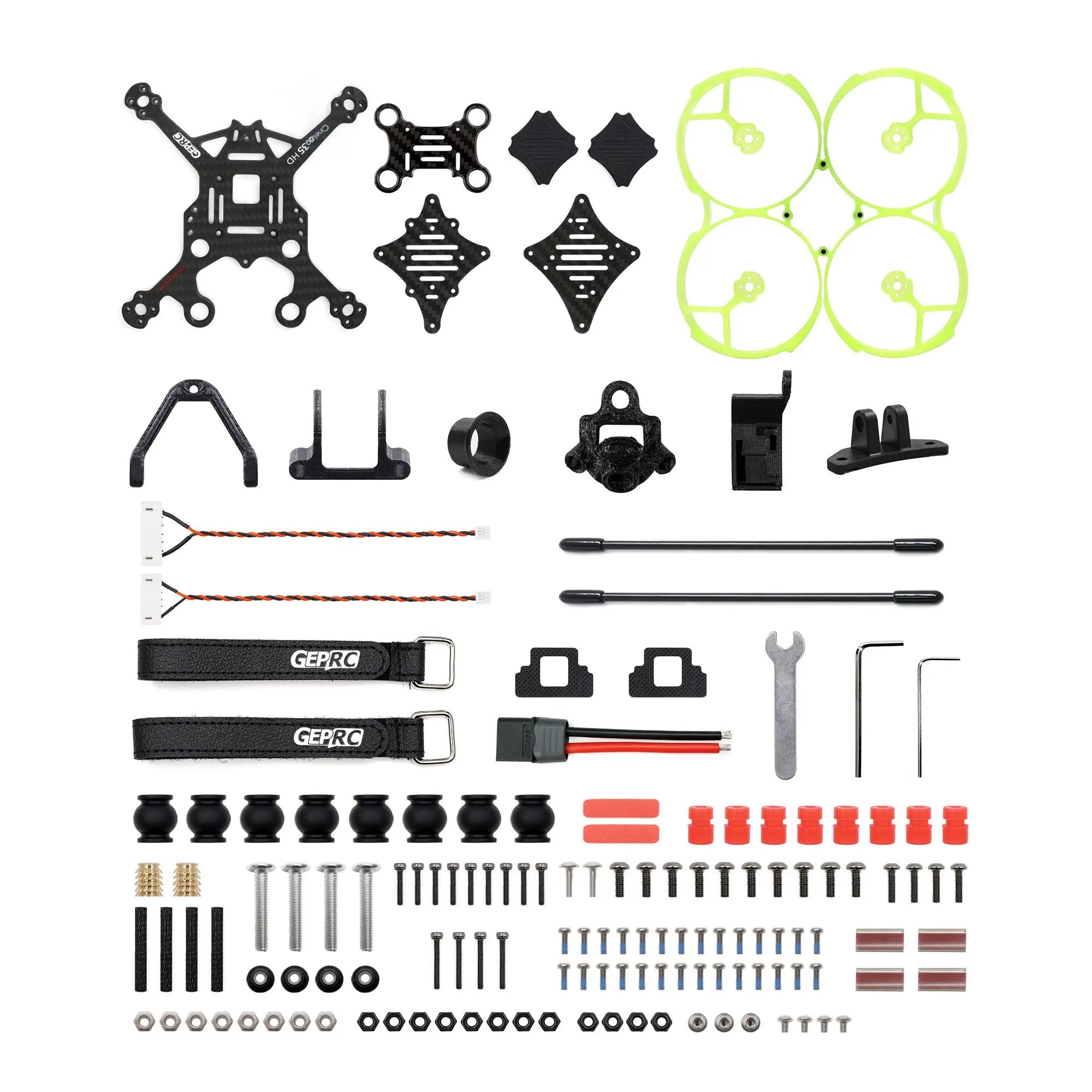
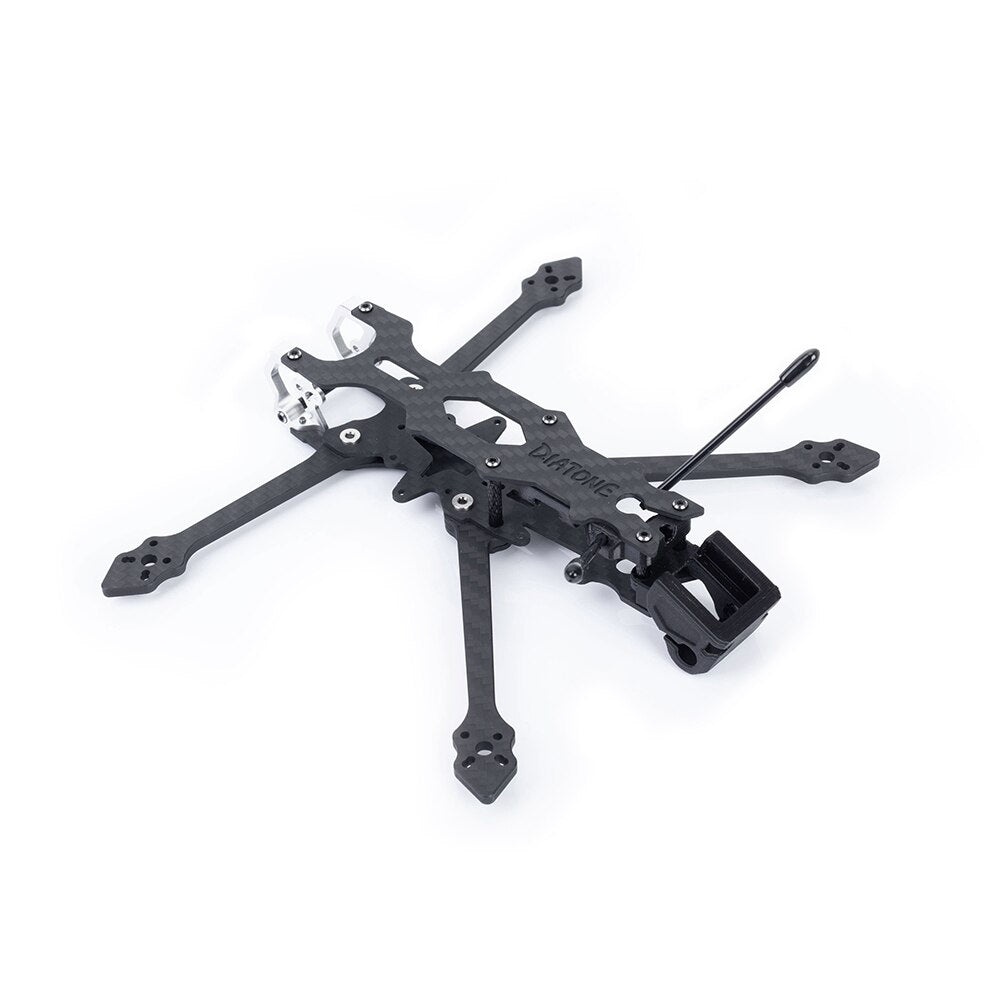
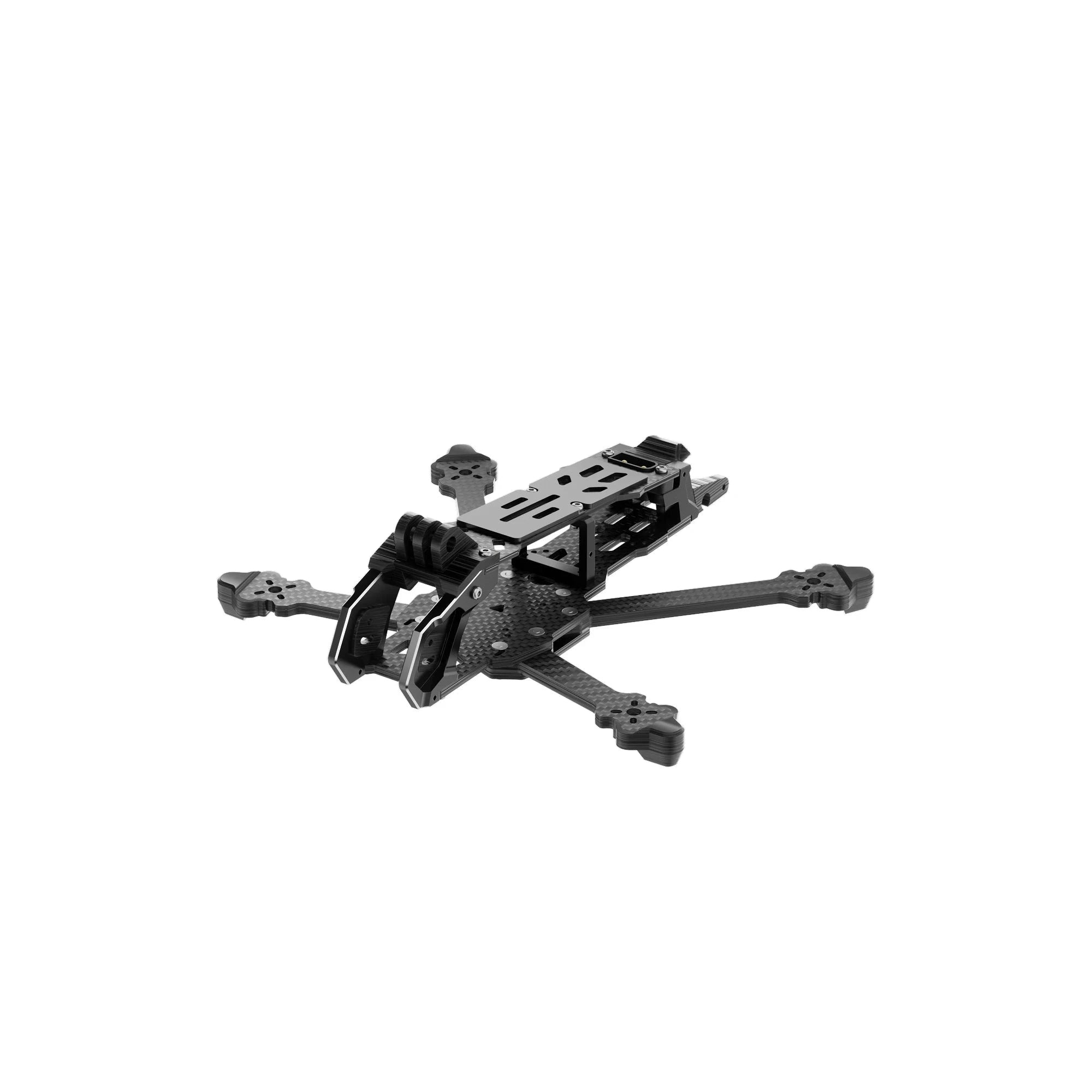
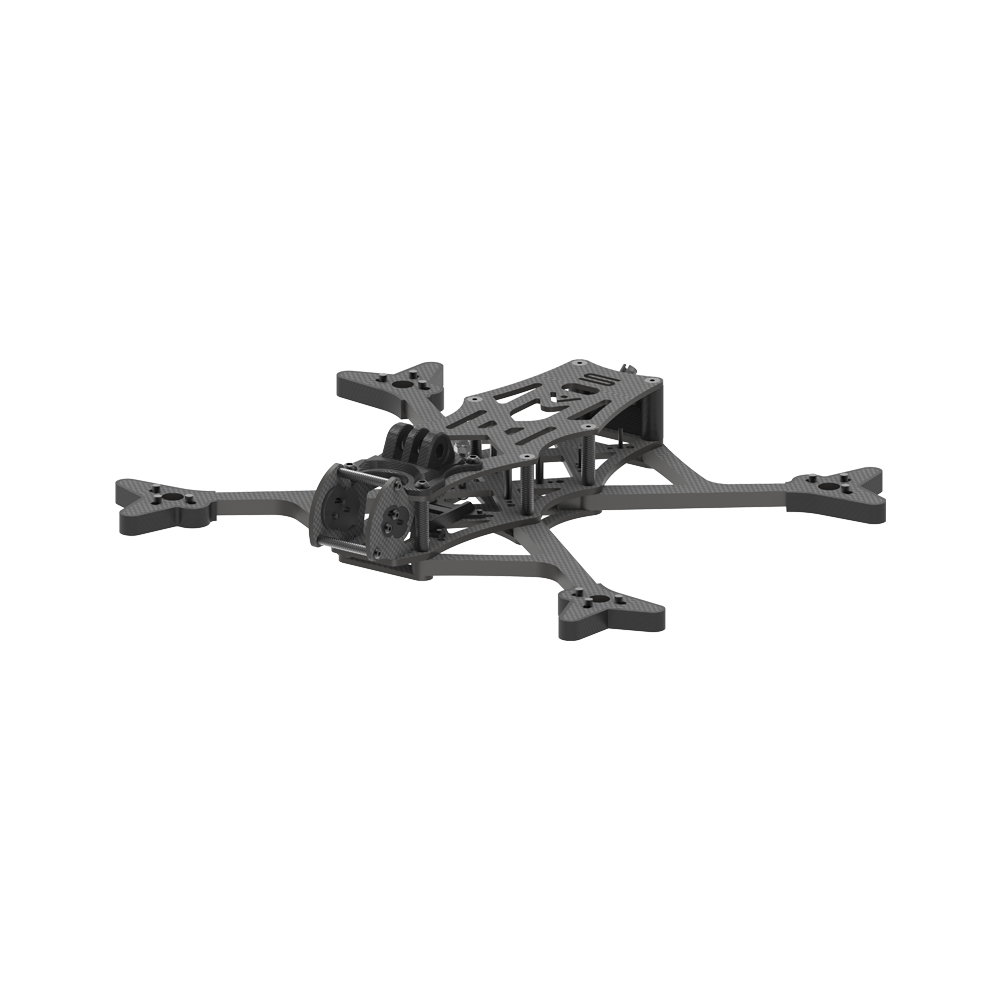
DIATONE ROMA L4 4INCH LR Frame Kit – Light Weight 46.7g Drone Frame Freestyle Frame suit
$54.33 - Drone Accessories
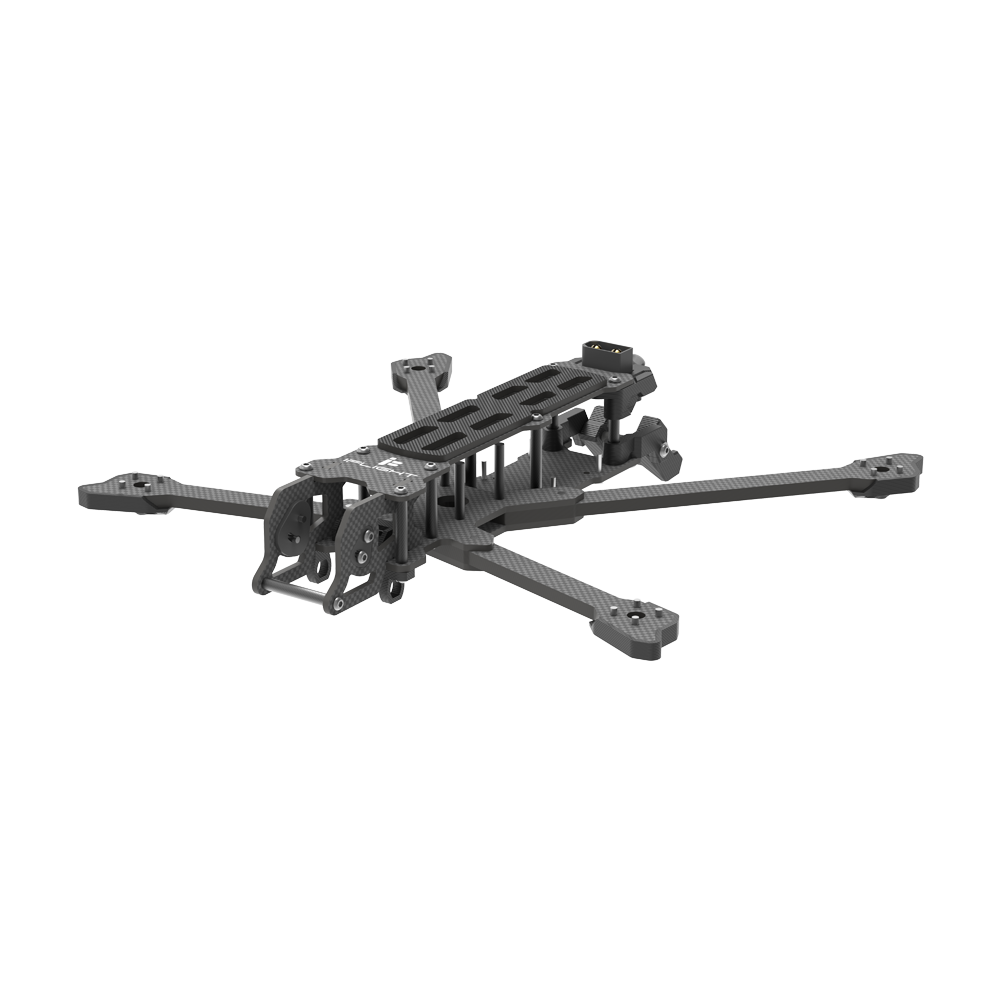
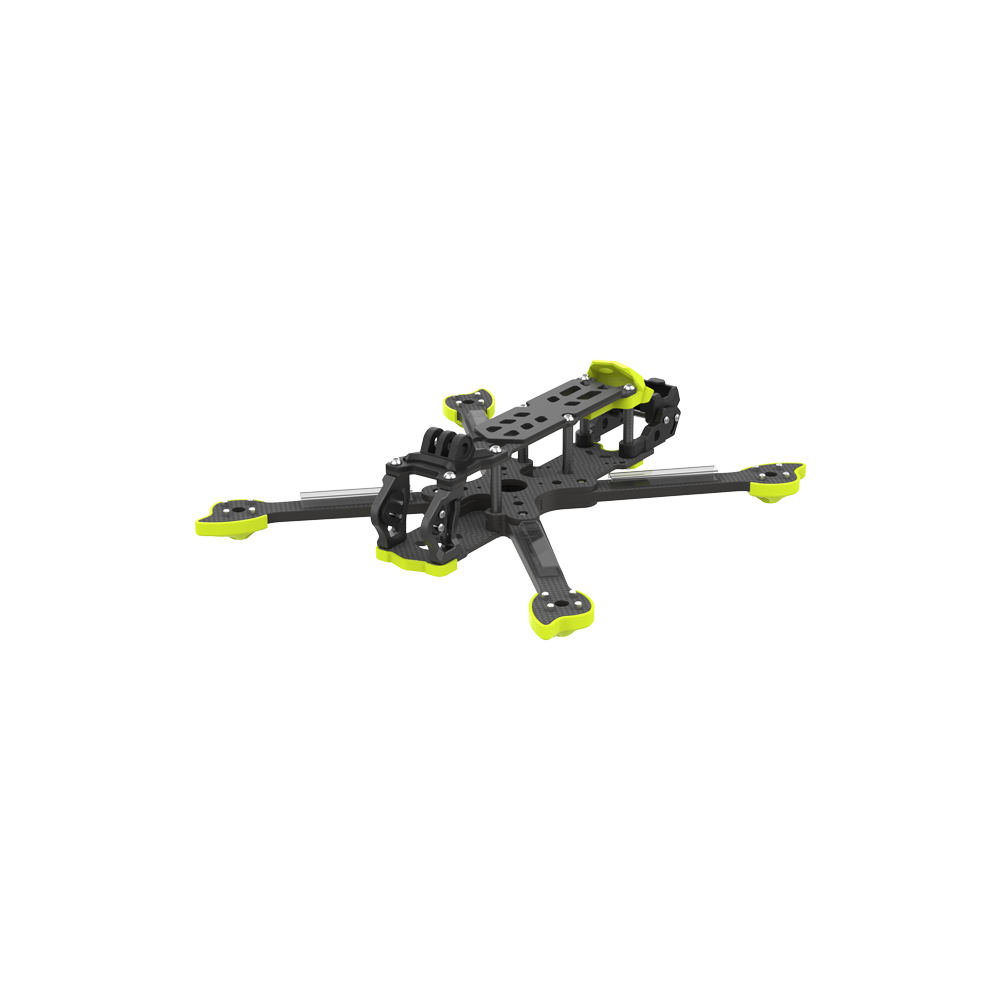
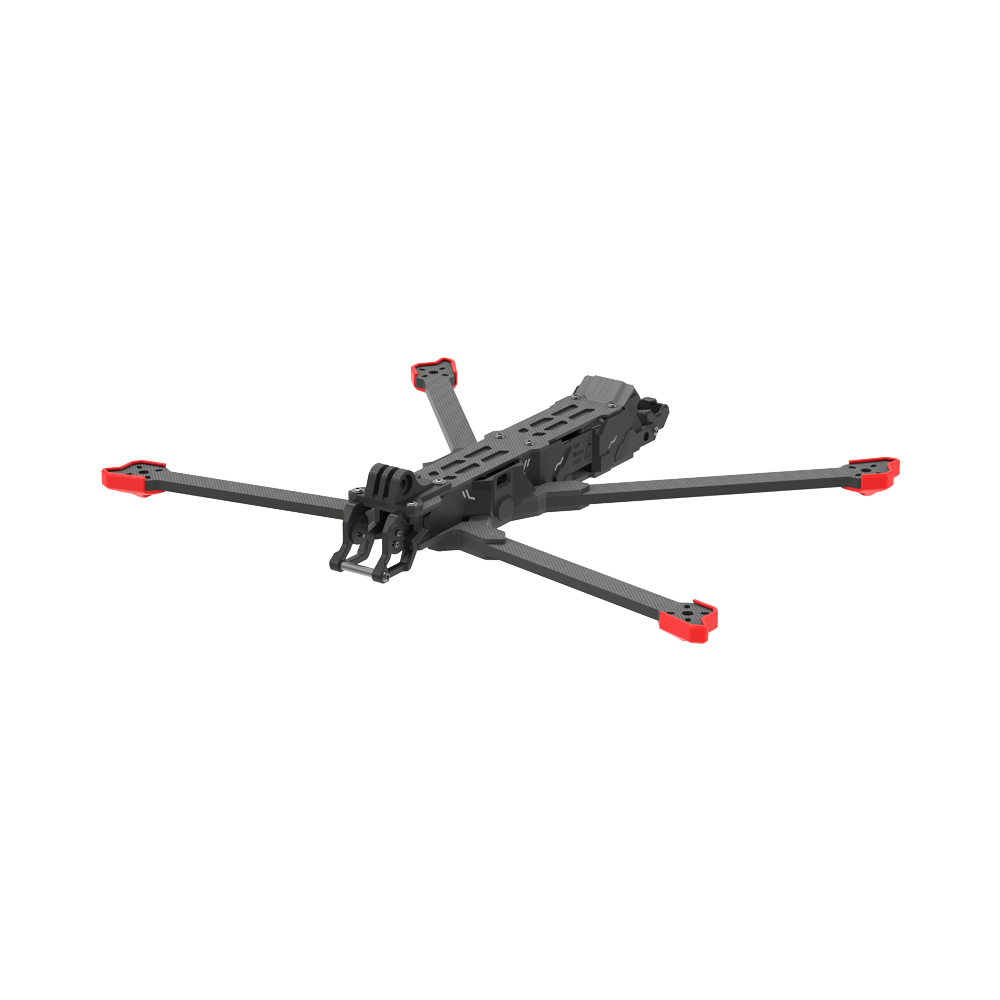
iFlight TITAN XL5 (HD) 250mm 5inch FPV Frame with 6mm arm for FPV Freestyle drone part
$72.75

How to choose FPV Drone
| Analog system | Lower cost entry, no latency and no VTX digital interference - proven for freestyle |
|---|---|
| Digital system | HD image and lower latency for cinematic and racing, needs a matching digital VTX + goggles |
| For beginners | 5-inch analog RTF with a durable prop guard |
| For long range | 7-inch+ frame with higher KV VTX and a diversity antenna setup |
Compatibility checklist before you buy
- Video standard: Analog and digital goggle/VTX sets are not cross-compatible - the band and protocol must match
- Band: 5.8GHz A, B, E, F and L bands are separate channels; a mismatch shows noise or no picture
- Motor KV: Match KV to battery cell count and prop diameter
- Prop size: Prop diameter must match the frame arms
What pilots and builders report in the field
discuss.ardupilot.orgDigital long-range image transmission discussion: the 1080p/60fps/150ms figures quoted by vendors are measured under specific conditions, so compare systems on latency and range together rather than a single spec.
Frequently asked questions
Analog or digital FPV - which should I buy first?
Analog is cheaper, has effectively zero latency and is the traditional choice for freestyle and racing. Digital gives an HD image and low latency, which most cinematic pilots prefer, but the goggles, VTX and camera must all be from the same digital ecosystem. Neither is universally better - it depends on whether you fly for racing, freestyle or footage.
Can I use my analog goggles with a digital VTX?
No. Analog and digital video systems use different transmission standards and different band configurations. A digital VTX will not show on analog goggles and vice versa. Check that the video standard of your goggles matches your VTX and camera before buying.
Optimize Your Flight: High-Performance DJI FPV Accessories & Gear
As any seasoned pilot knows, the DJI ecosystem is powerful, but the right FPV accessories are what truly bridge the gap between a standard flight and a professional cinematic experience. Whether you are looking for a dji fpv remote controller 2 upgrade or searching for the best dji fpv goggles v2 accessories to fix light leakage, our curated selection focuses on durability, signal reliability, and ergonomic comfort.
DJI FPV Compatibility Matrix
Before you buy, ensure your fpv goggles and fpv drone controller are compatible with your air unit or drone. Use the table below for quick reference:
Accessory
Compatible Hardware
Primary Benefit
DJI Remote Controller 2
Avata, DJI FPV Drone, O3 Air Unit
Low Latency, Integrated Control
Goggles V2 Antennas
DJI FPV Goggles V2
Increased Penetration & Range
FPV Kit for RC Car
Universal Analog/Digital Kits
Surface First-Person View
High-C Battery Packs
DJI FPV Drone, Custom Builds
Reduced Voltage Sag
Step-by-Step Setup: Optimizing Your DJI Headset
Firmware Sync: Always update your dji fpv goggles and dji remote controller 2 via DJI Assistant 2 (Consumer Drones Series) before your first flight to ensure Ocusync stability.
Antenna Orientation: For the dji fpv goggles v2, ensure the top linear antennas are parallel to your drone’s flight path for maximum gain.
Binding: Power on the drone, hold the power button until it beeps, then repeat for the fpv remote and goggles to link the system.
Addressing Real-World Pilot Issues
Based on community feedback from Reddit and our own engineering tests, we know that getting into FPV involves a “constant accumulation of things.” It’s not just the drone; it’s the drone tools, soldering iron, and replacement props that keep you in the air. One common issue with the current gen of fpv goggles is light leakage. Many pilots find they need to do some “DIY stuff,” like adding aftermarket foam pads, to get a perfect fit.
Furthermore, if you are looking at an fpv race drone kit, be wary of protocol mismatches. We’ve seen many pilots accidentally buy the CC2500 version of a transmitter when they intended to get the ELRS version. Always double-check your internal RF module specs! For the latest tech, explore our New FPV Arrivals to stay ahead of the curve.
Frequently Asked Questions
Is 16/9 or 4:3 better for FPV?
4:3 is generally preferred for FPV flying because it provides more vertical FOV (field of view). This is crucial when your drone tilts forward during high-speed flight, allowing you to see the horizon and obstacles more clearly. While 16:9 looks more cinematic, most pros stick to 4:3 for the tactical advantage.
What is the $200 DJI drone?
DJI recently unveiled the Neo, a $200 drone aimed at content creators. While it features palm takeoff and voice control, it serves as a great entry point for those curious about the ecosystem before moving up to a full fpv kit.
Is the DJI FPV hard to fly?
Yes, FPV drones can be challenging. Unlike standard GPS drones, FPV requires manual input to maintain level flight. However, using the dji fpv combo accessories like the Motion Controller can ease the learning curve for beginners.
What mode do FPV pilots use?
Acro (Manual) mode is the standard for FPV. It allows for full control over the drone’s orientation, enabling flips, rolls, and precise gaps. It takes practice, but it is the only way to experience true FPV freedom.
Do pros use 4:3 or 16:9?
The pro scene is dominated by 4:3. This isn’t just nostalgia; the extra vertical data is vital for technical racing and freestyle maneuvers. If you are serious about performance, configure your drone fpv goggles to 4:3.
Need to maintain your rig? Don’t forget to stock up on essential Drone Tools for field repairs and component swaps.