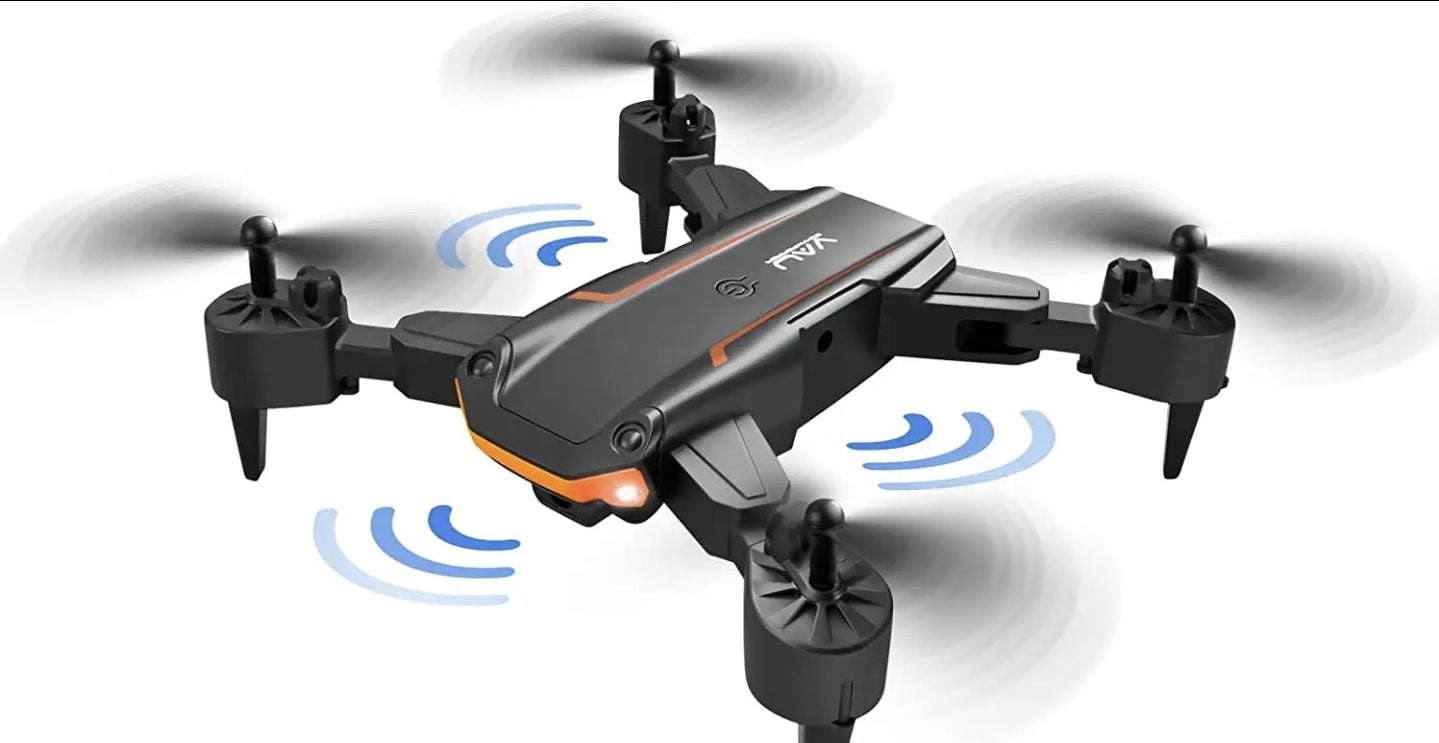
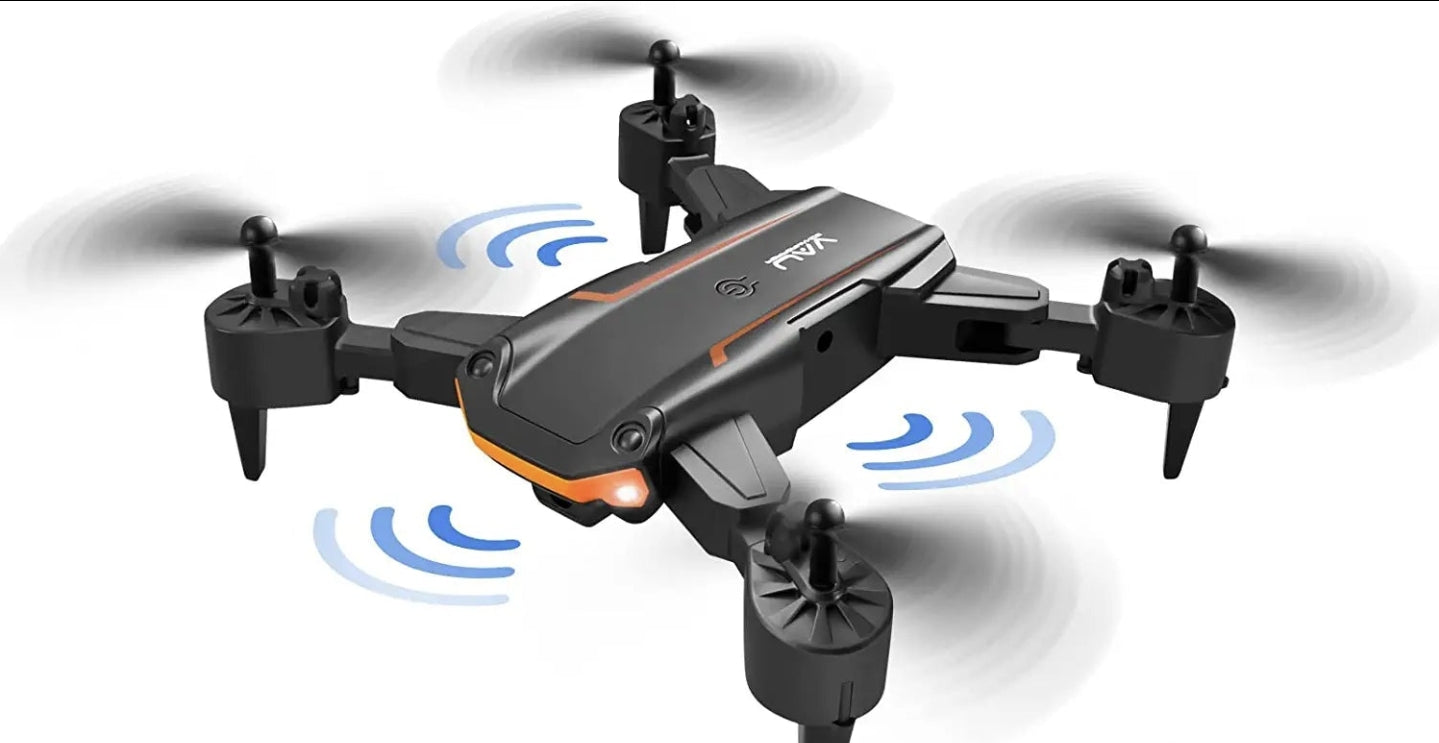
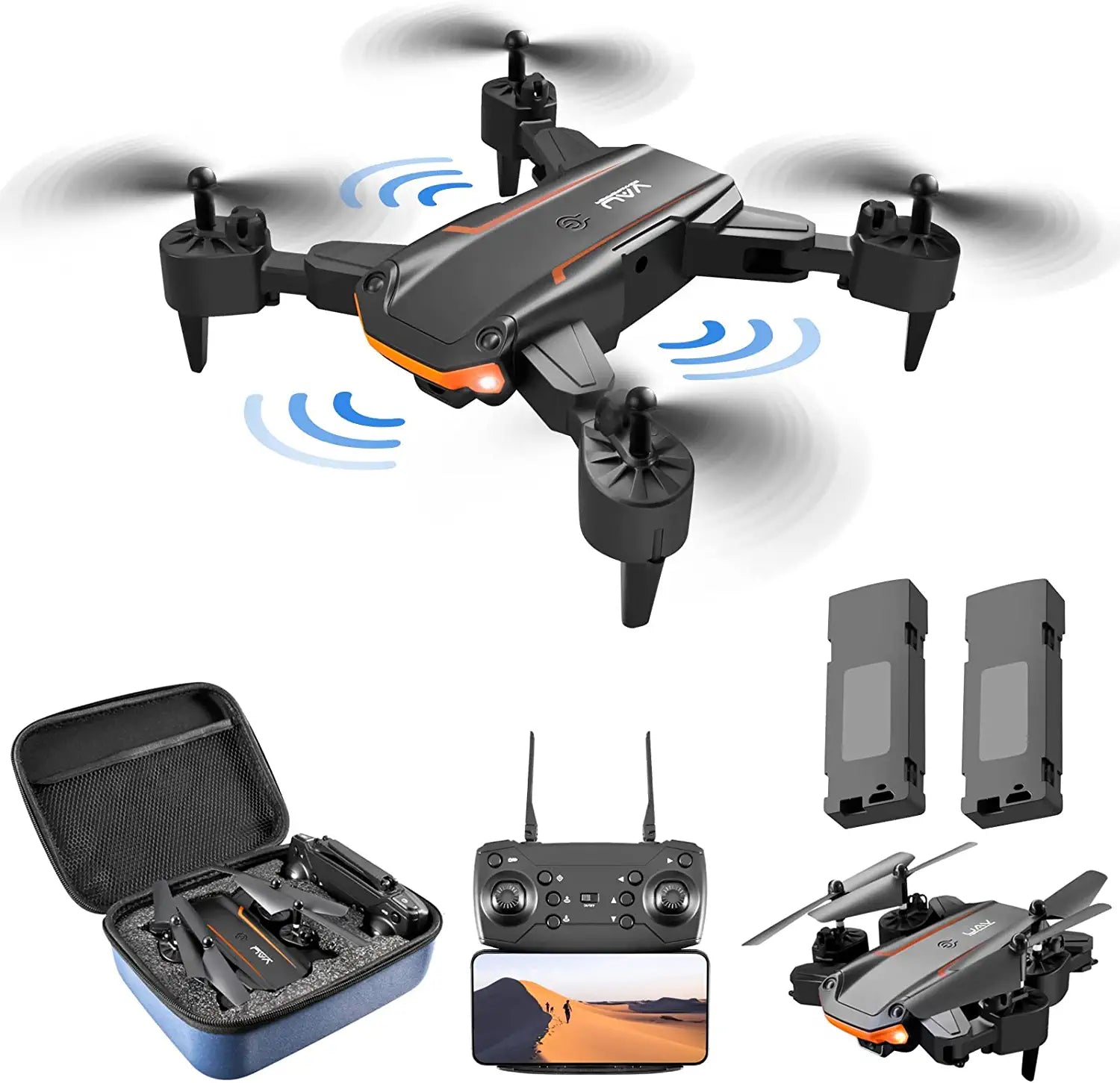


TBBKing AE86/KY603 Drone QuickInfo
| Brand | JTBBKing |
| Model | AE86 |
| Color | Black |
| Mirror Adjustment | Remote Control |
| Material | Plastic, Metal |
| Video Capture Resolution | FHD 1080p |
| Are Batteries Included | Yes |
| Wireless Communication Technology | Wi-Fi |
| Item Weight | 365 Grams |
| Battery Capacity | 1800 Milliamp Hours |
TBBKing AE86/KY603 Drone Features
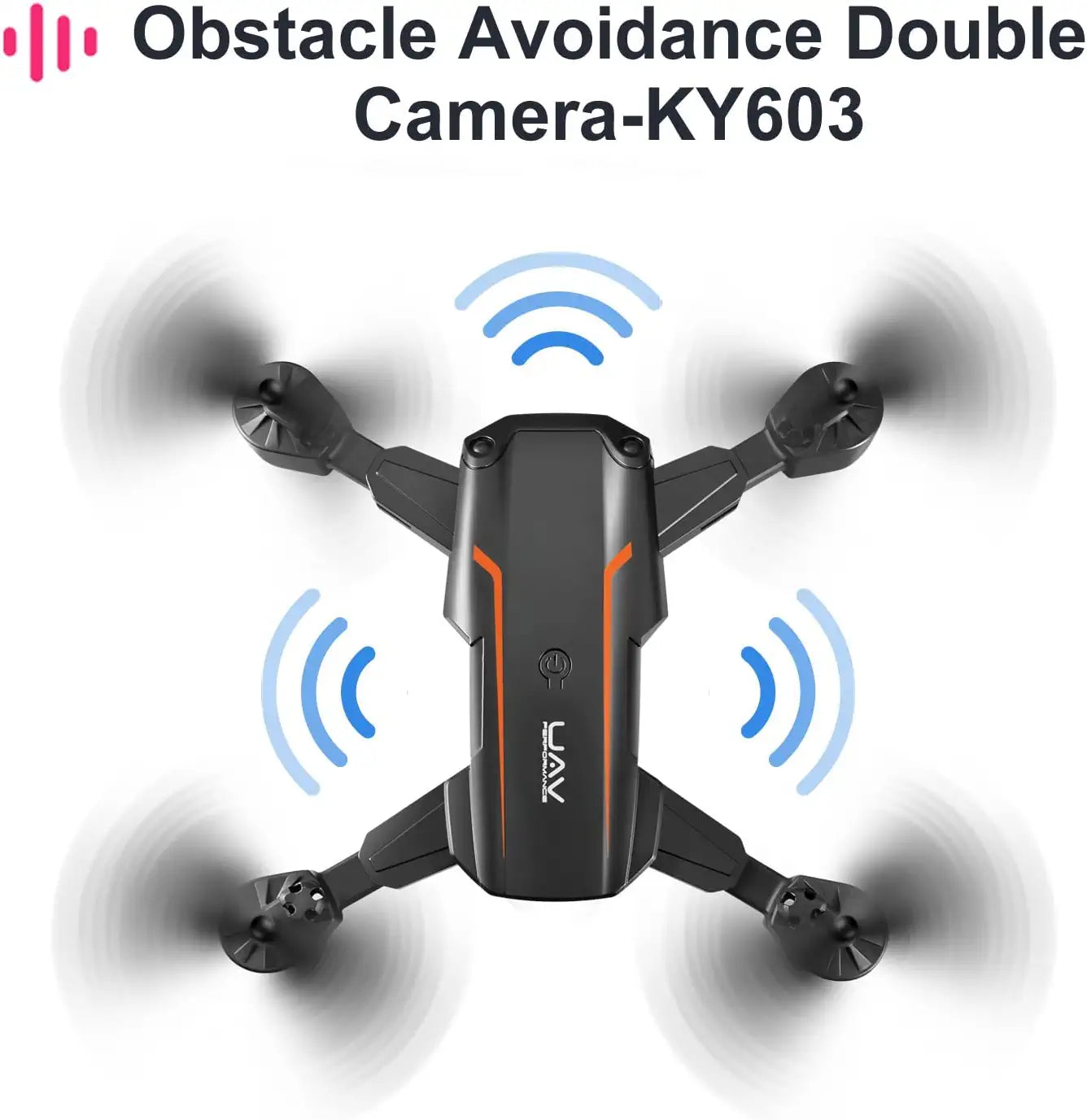
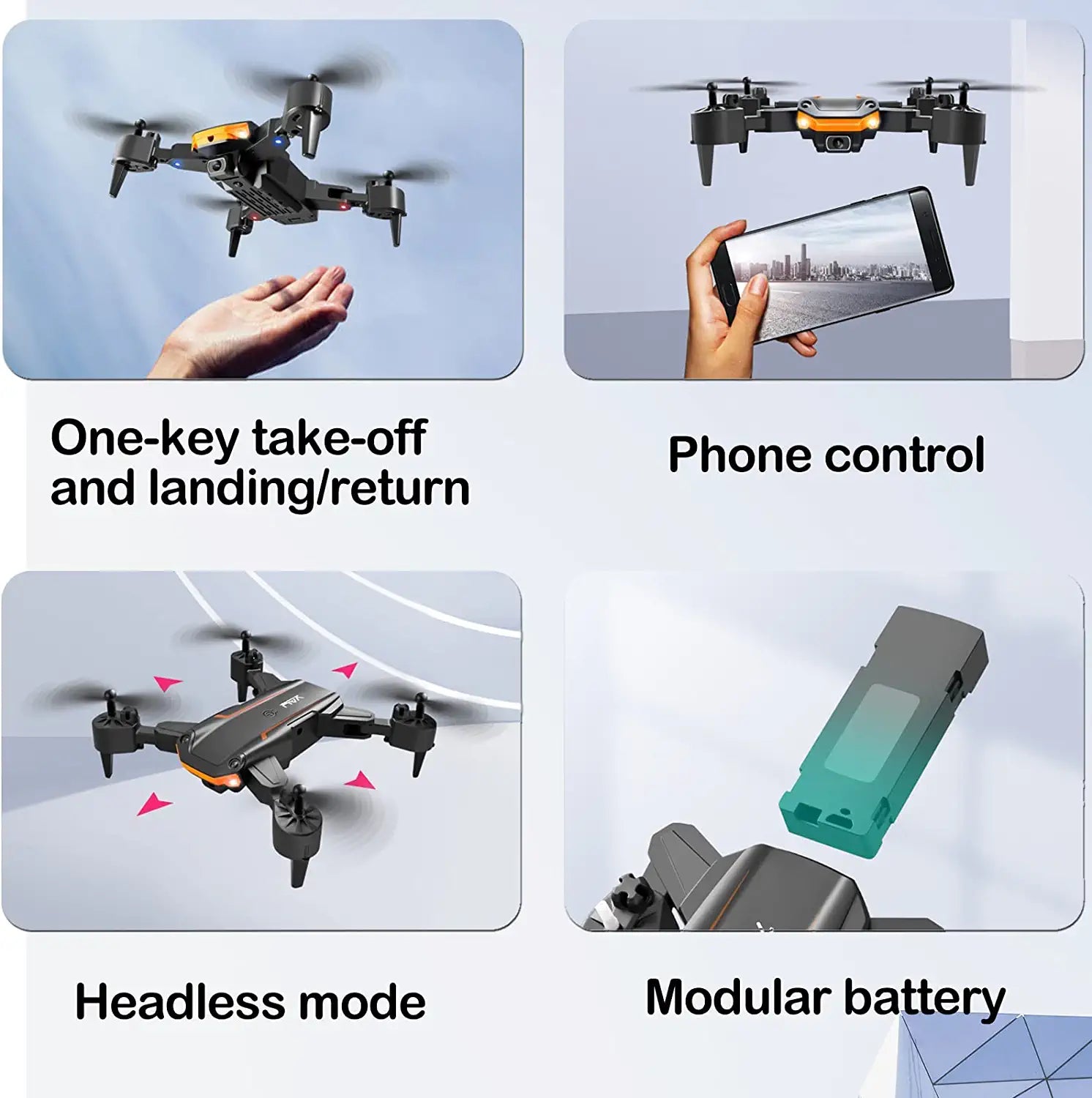
- 【1080P HD CAMERA & FPV LIVE VIDEO】120°Wide-angle 1080P HD Camera and manually adjustable 90° angle, which captures high-quality video and clear aerial photos. The WiFi real-time transmission FPV system can connect to your phone with the drone.
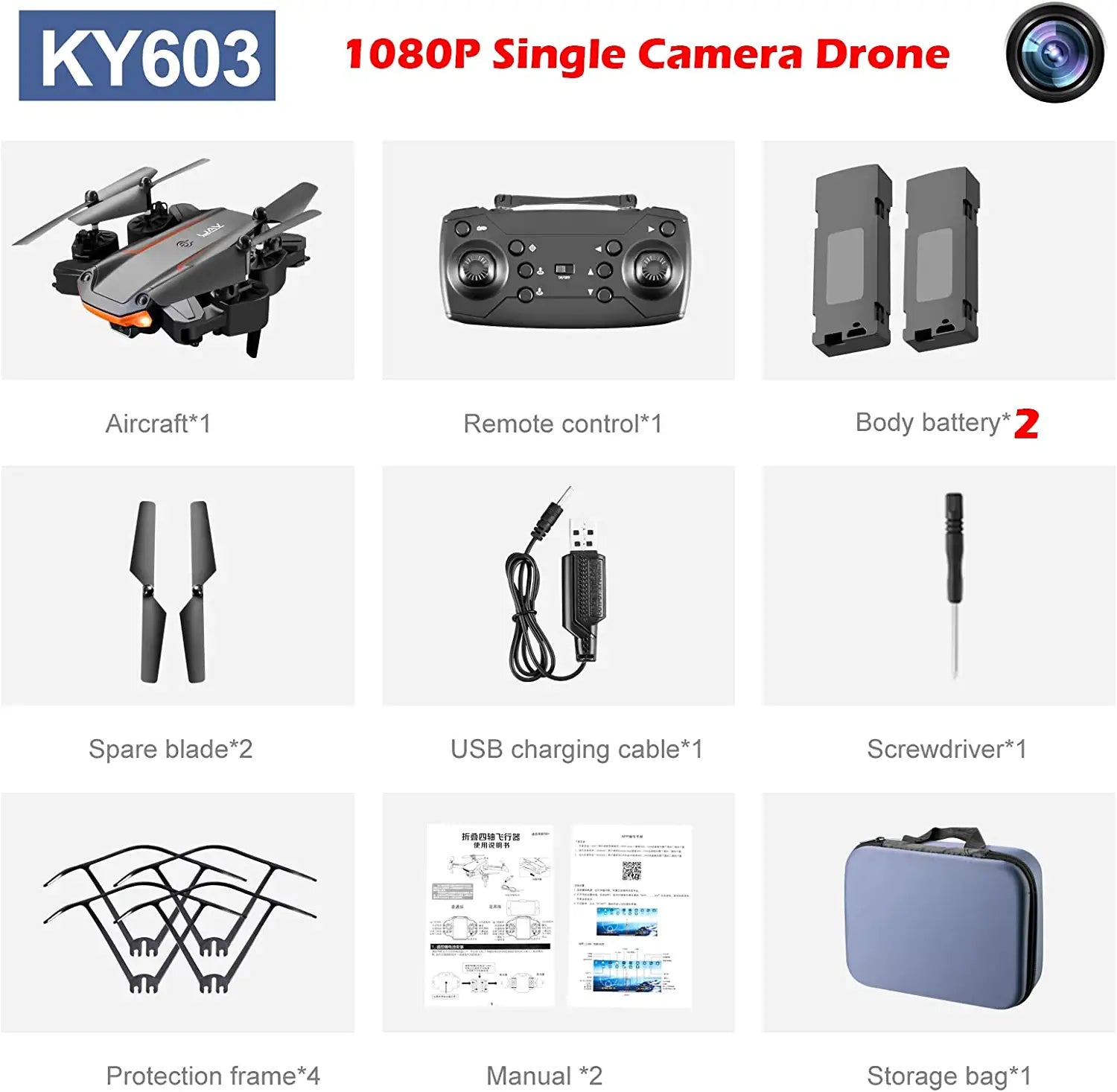
- 【USER-FRIENDLY FOR BEGINNER】Stable altitude hold allow beginner to accurately lock the height and location, stable take HD pictures and videos. Equipped with 4 Propeller Guards to protect kids user from spinning propellers and ensure the drone’s propellers from the collision; One Key Land and Take Off , Headless Mode, speed adjust gear , these functions would help beginner learning fly easier before using the professional drone.
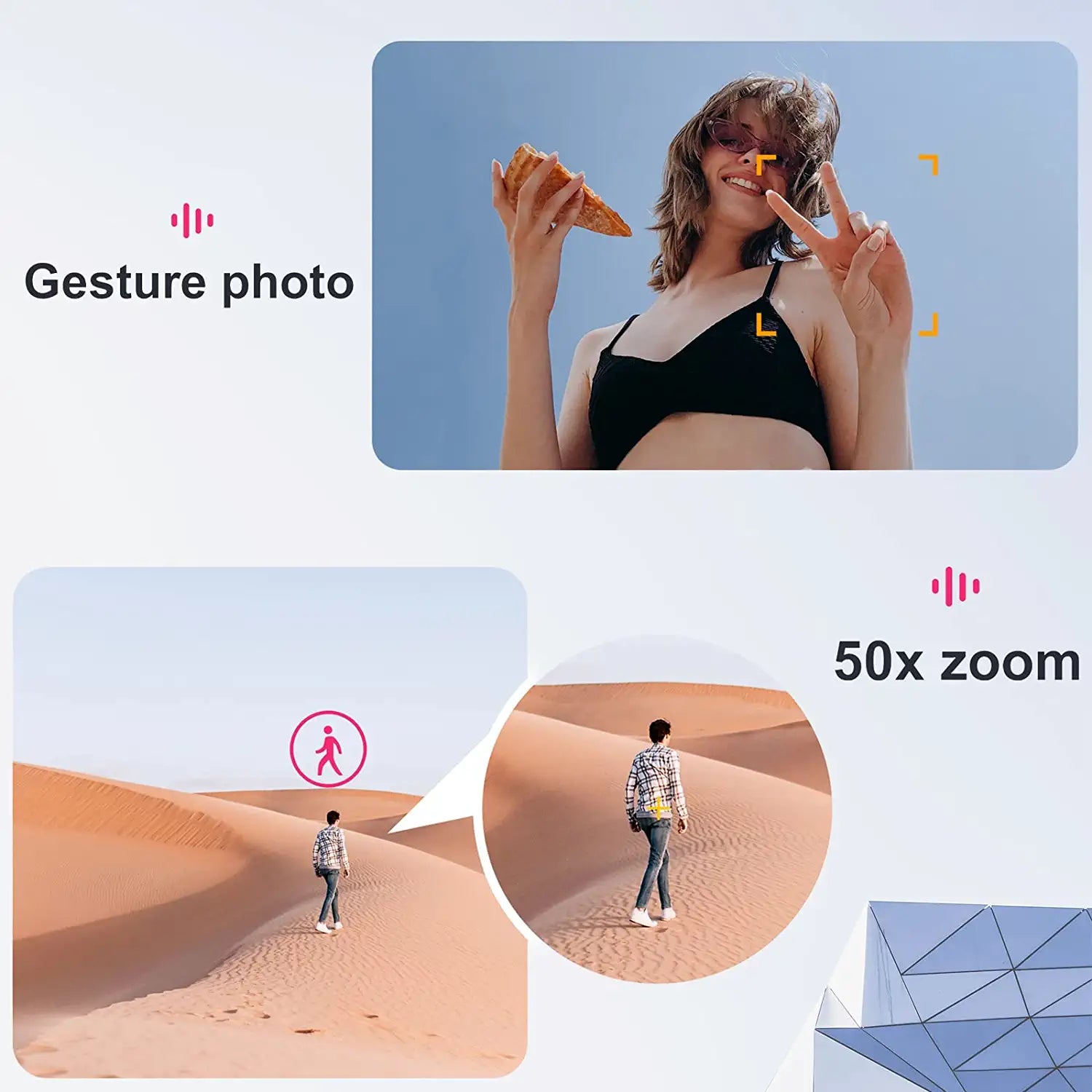
- 【GESTURE CONTROL】Gesture control allows you to pose to the camera to trigger phone taking and video recording. More interesting and easy to control!
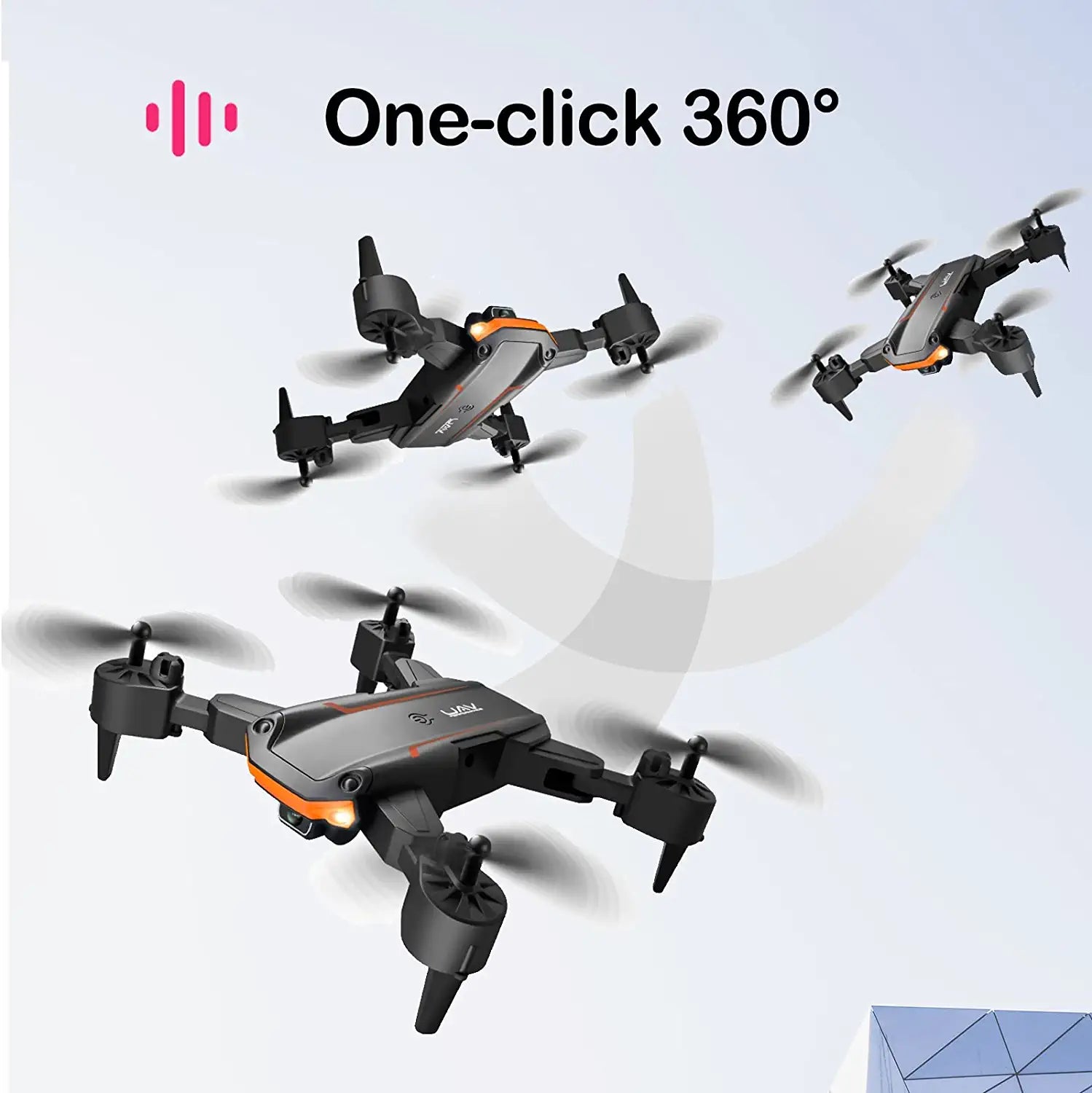
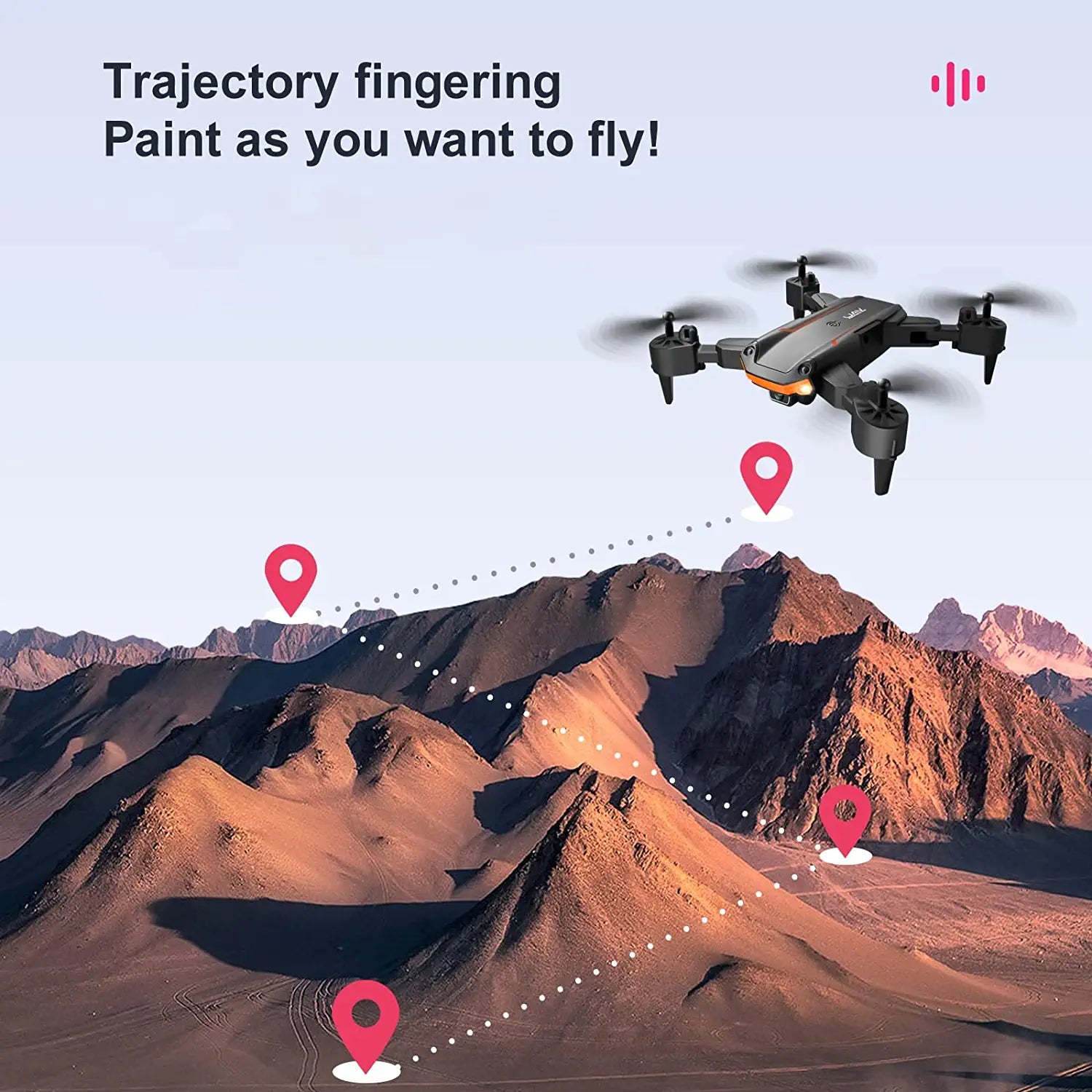
- 【FLY WITH ENDLESS FUN】 More fun than normal rc helicopters, besides the remote control, you can also control it by your phone with the App; 2023 newest upgrade with more reliable stunt performance to make 360°flips/ 3D rolls more fluid, surprise your boy! Meanwhile, you can draw a path in the App interface, the drone will fly following the path accordingly, which is also one of the newest functions.
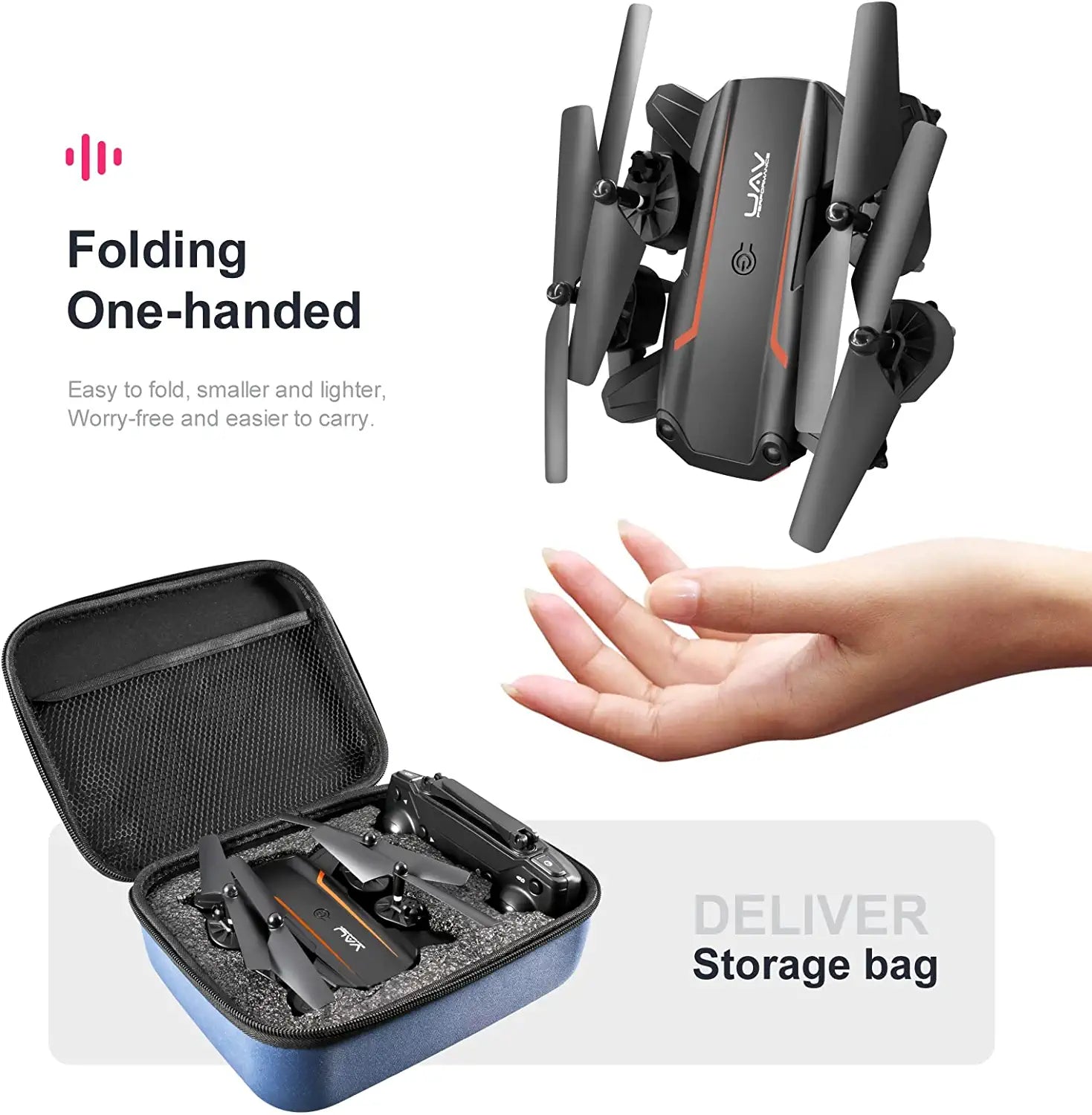
- 【FOLDABLE DESIGN & NICE GIFT】Perfect foldable blades design, you can fold up and take it go out more convenient. A carrying case is pretty portable and suitable to be a gift for your your friend, son, grandson, etc.