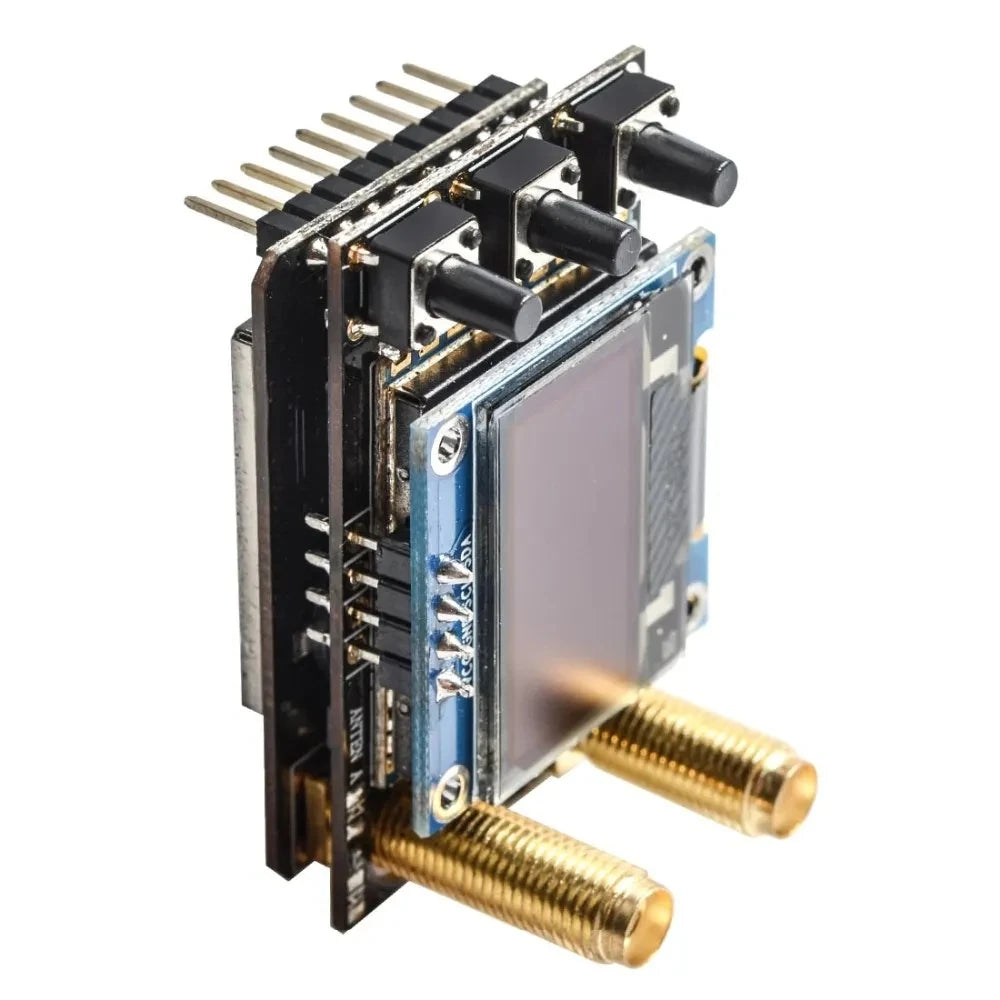

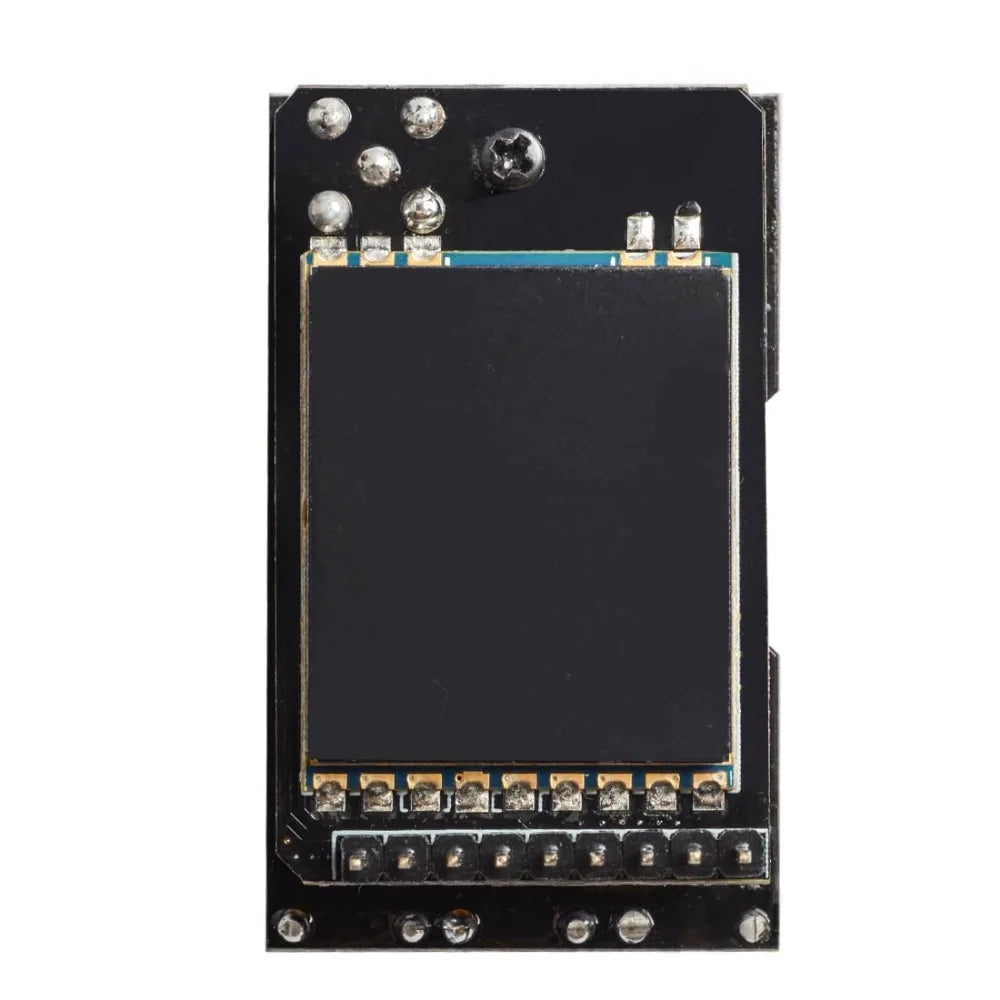
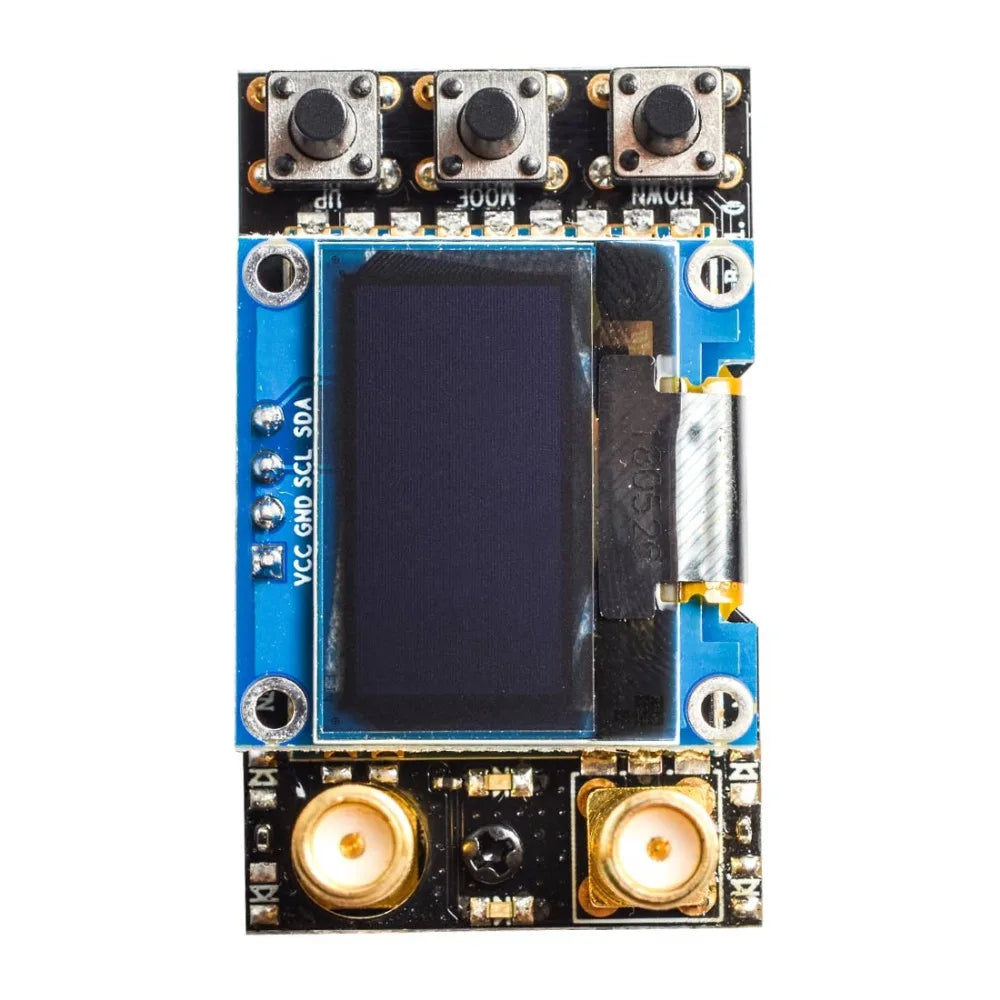
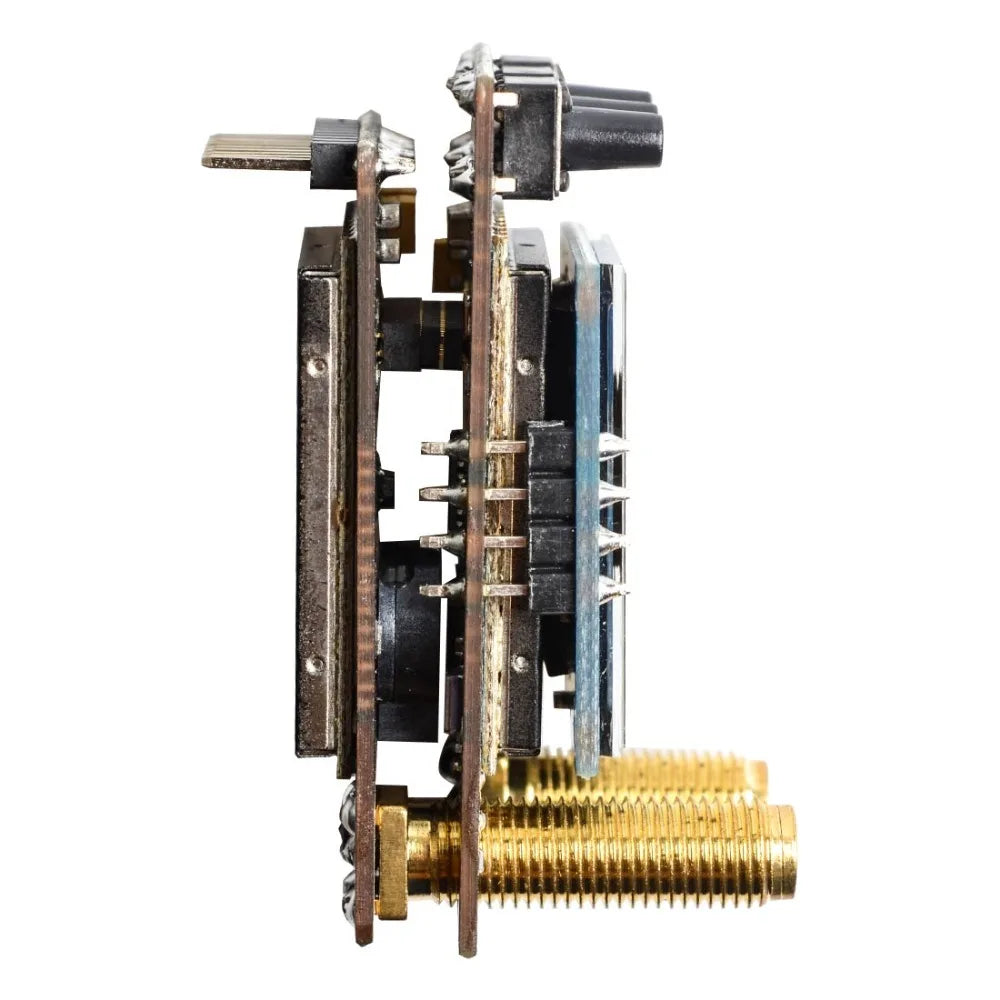
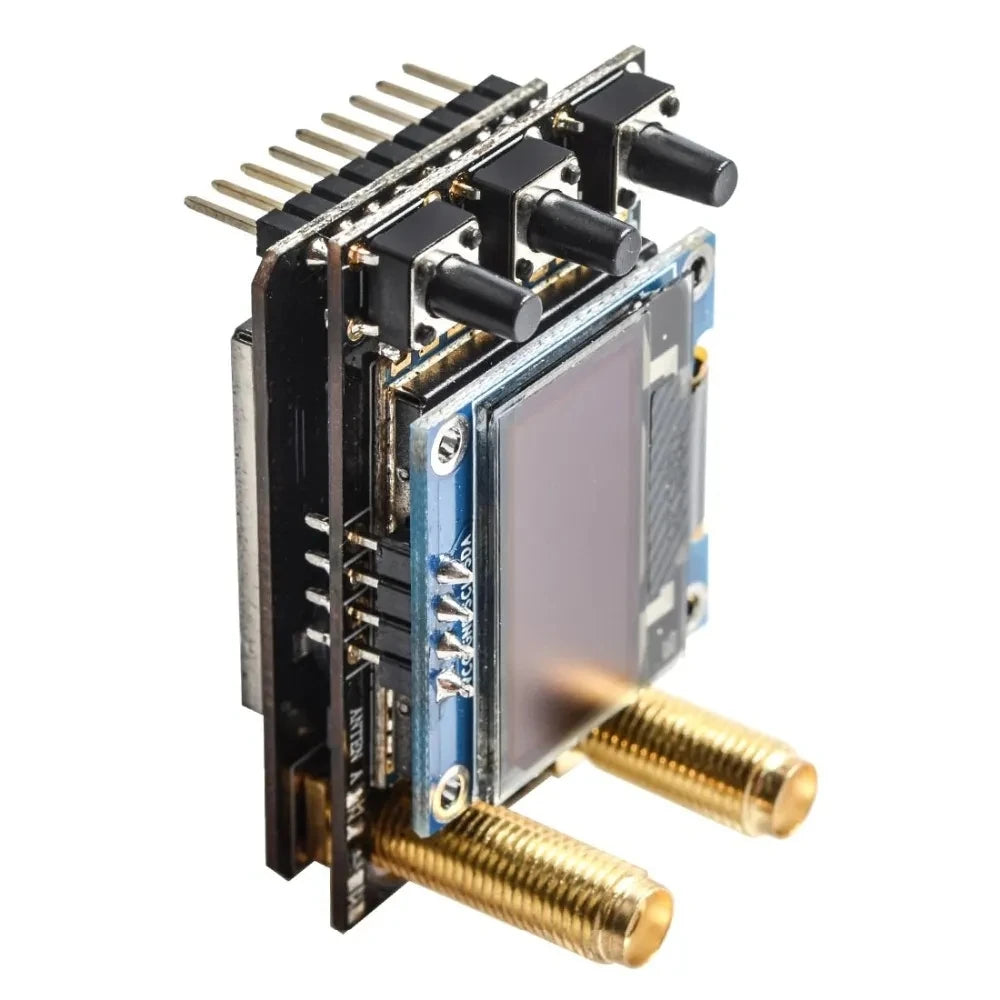
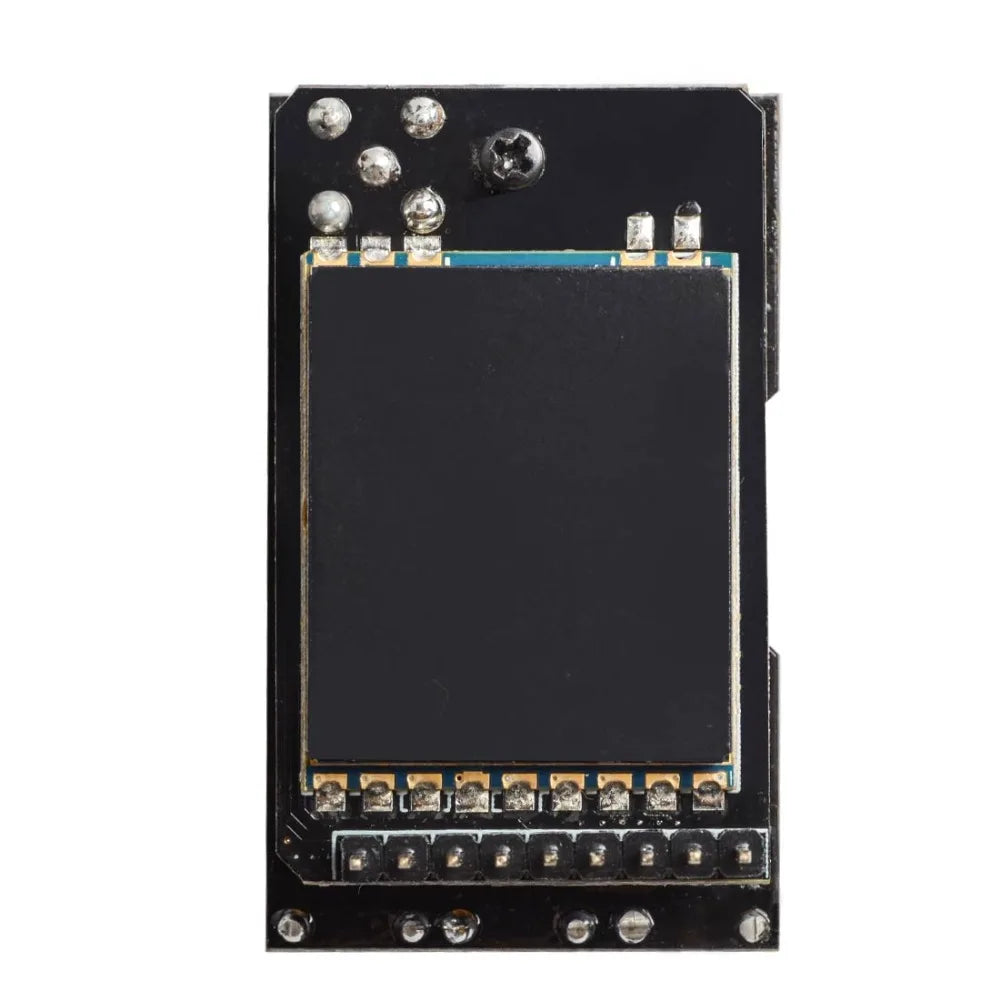
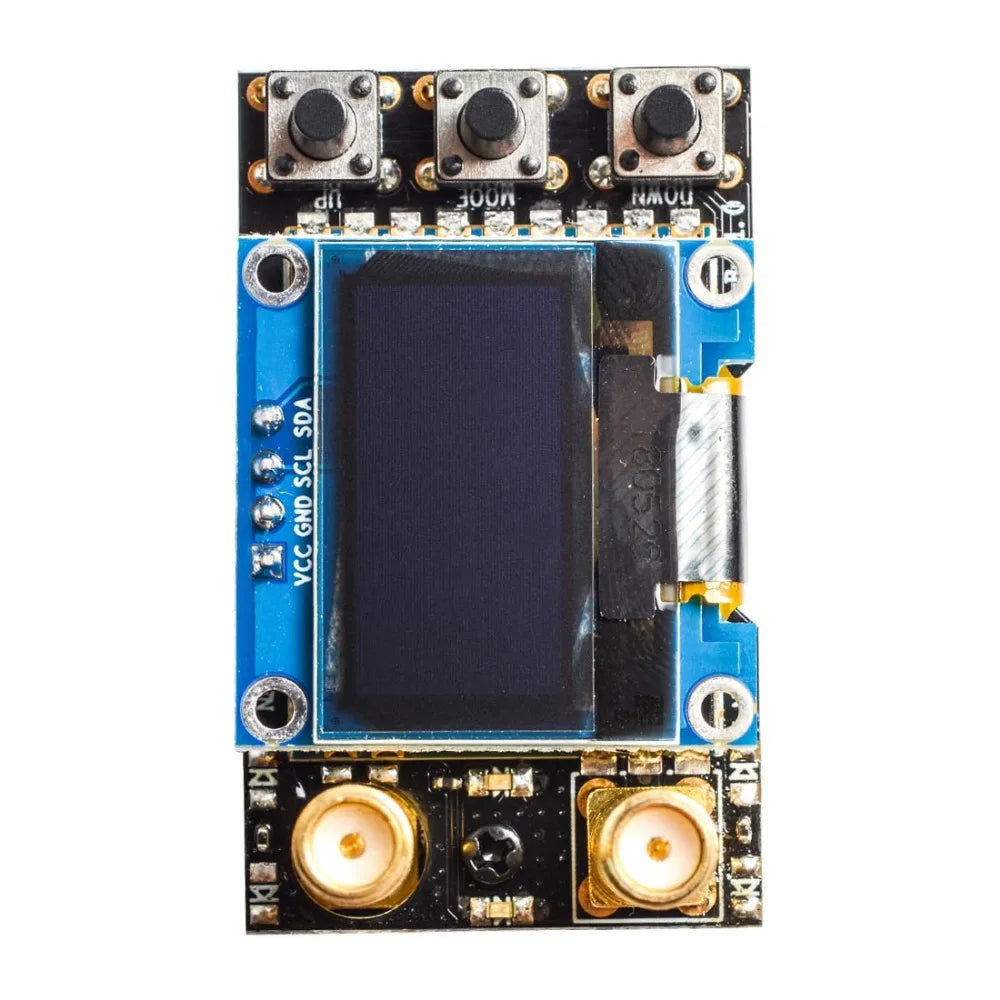
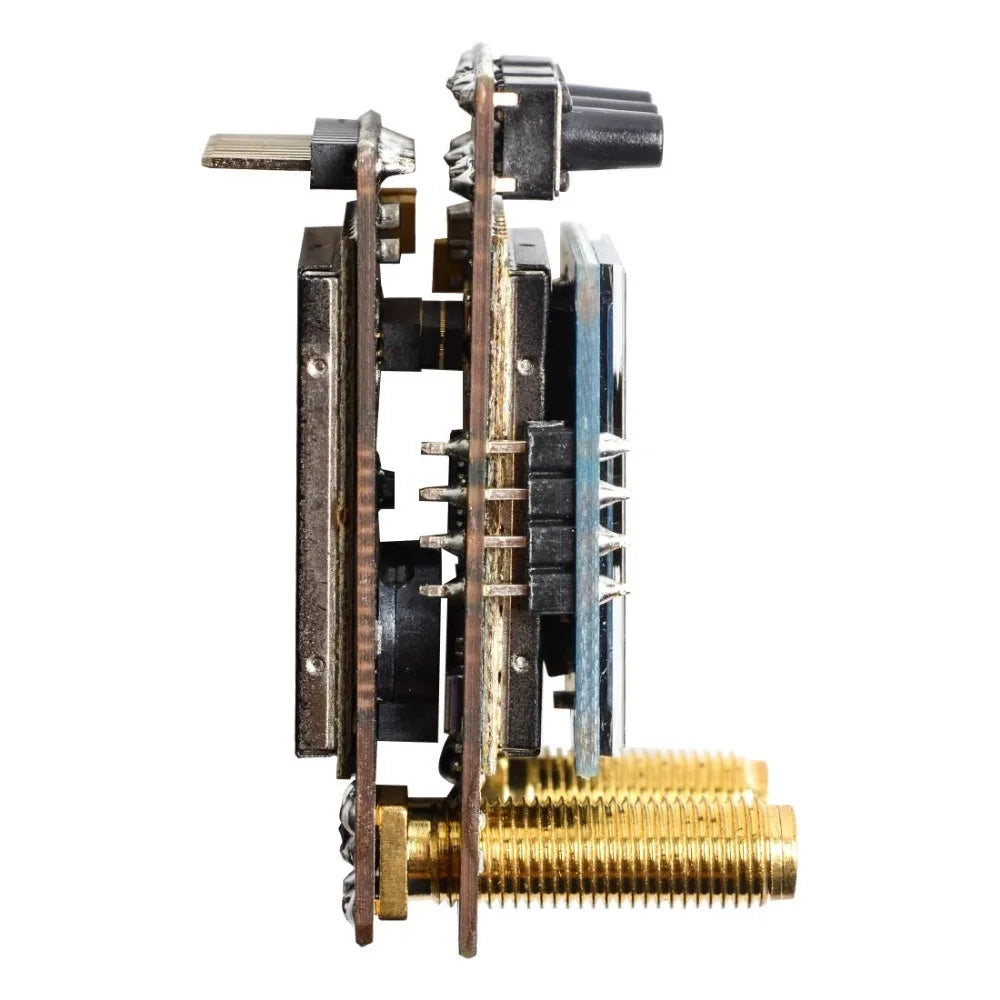
AKK diversity Receiver SPECIFICATIONS
اسم العلامة التجارية: akk
المنشأ: البر الرئيسي للصين
المواد: المواد المركبة
العمر الموصى به: 6-12y
قطع غيار السيارات والمركبات: أجهزة الإرسال
لنوع المركبة: الطائرات
الاستخدام: المركبات وألعاب التحكم عن بعد
ترقية قطع الغيار/الإكسسوارات: أخرى
الأجهزة الطرفية/الأجهزة الطرفية للتحكم عن بُعد: أخرى
مستلزمات الأدوات: فئة التجميع
رقم الموديل: diversity receiver
سمات الدفع الرباعي: التجميع
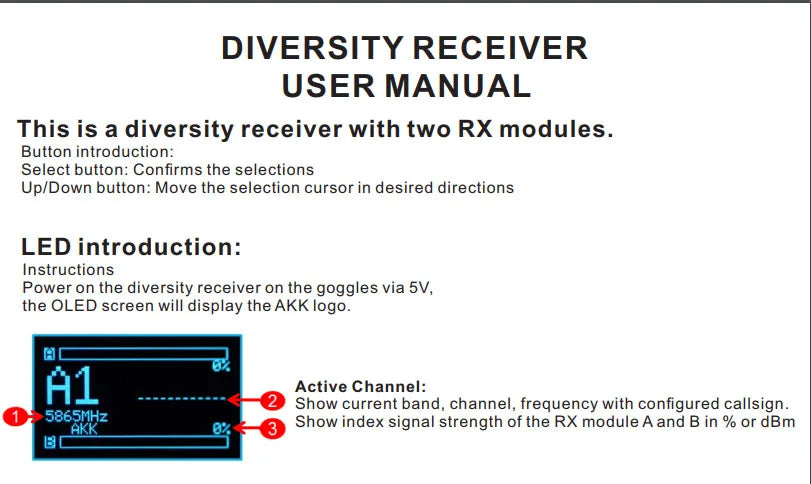
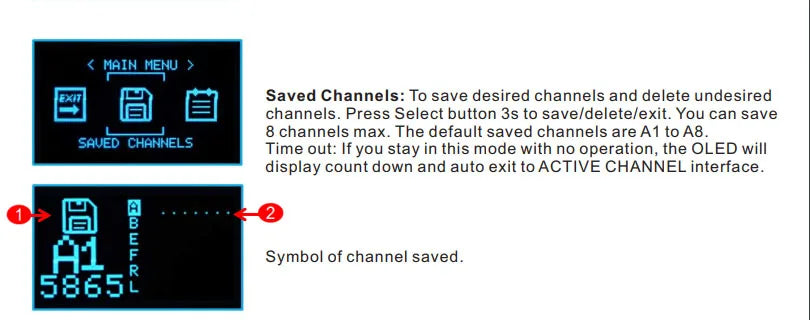
default saved channels are A1 to A8 SAUED CHANNELS Time out: if you in this mode with no operation, the OLED will display count down to ACTIVECHANNEL interface .
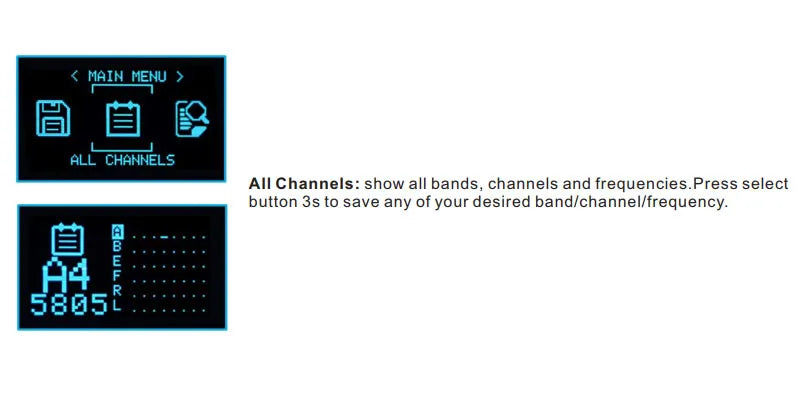
All Channels Display: Show all available bands, channels, and frequencies. Press and hold the select button for 3 seconds to save any desired band/channel frequency combination.
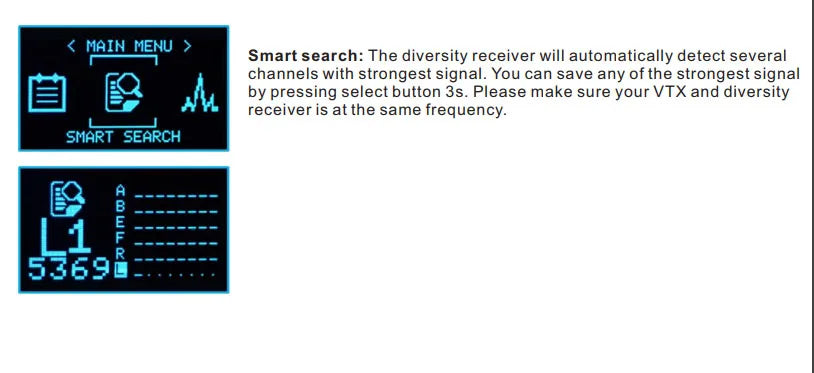
The Diversity Receiver automatically detects multiple channels with the strongest signal. You can save the strongest signal detected by holding down the Select button for 3 seconds.
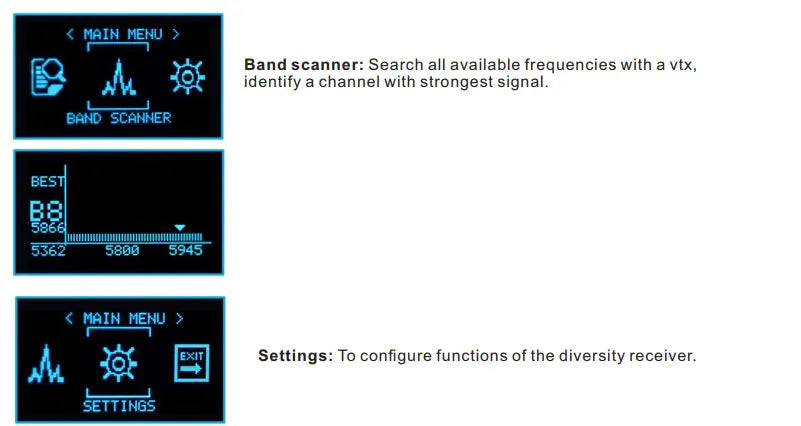
Menu > Settings (EXIT): Configure the settings for the Diversity Receiver by selecting this option.
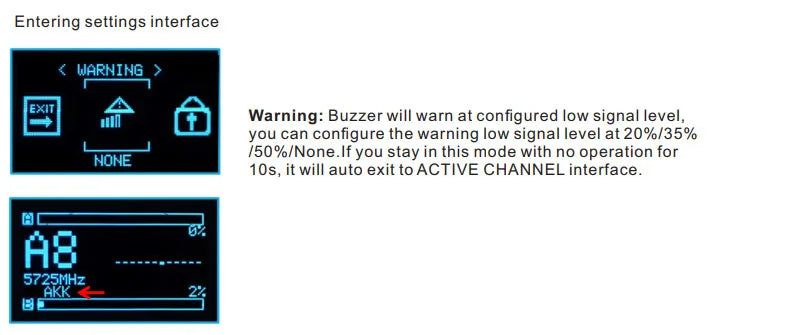
The Buzzer will alert you when the signal level falls below the configured threshold. If there is no further operation after 10 seconds, the receiver will automatically switch back to Active Channel mode.
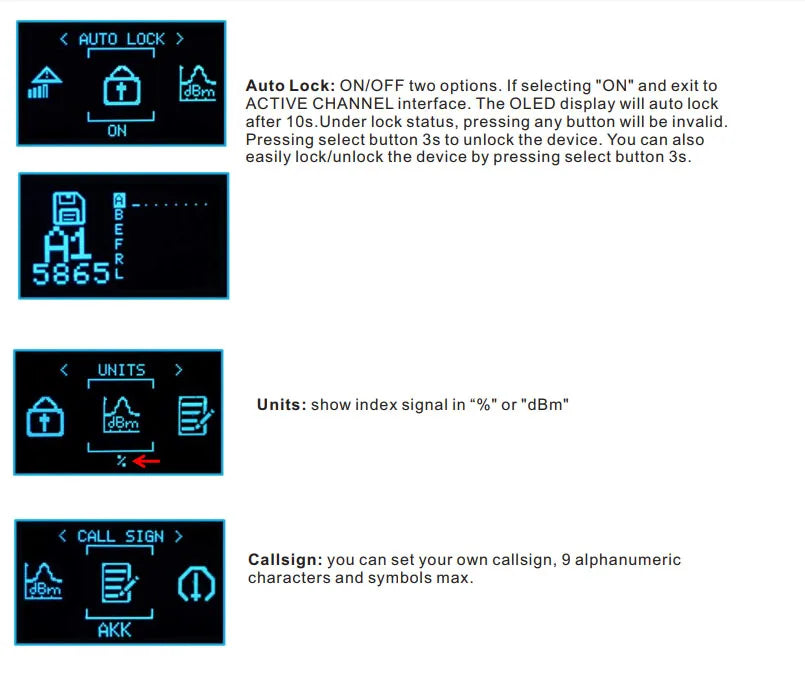
Auto Lock: This feature can be turned ON or OFF. When set to ‘ON’, the receiver will automatically switch to Active Channel mode when no operation is detected for 10 seconds. To unlock the device, press and hold the Select button for 3 seconds.
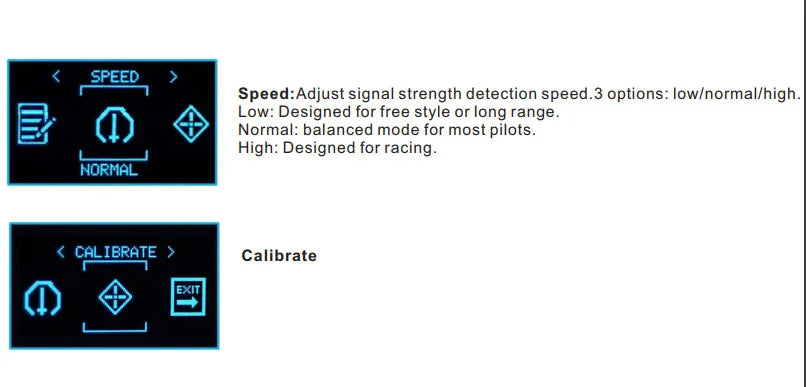
Speed Setting: Adjust the signal strength detection speed. You have three options: Low, Normal, and High.
* Low: Designed for freestyle or long-range flying.
* Normal: A balanced mode suitable for most pilots.
* High: Optimized for racing applications.
To calibrate your receiver, select ‘Normal’ and then press the [Calibrate] button to refine the settings.
 Arabic
  English
  Russian
  German