SPEZIFIKATIONEN
Warnung: NO
Auflösung der Videoaufzeichnung: Andere
Art: HELICOPTER
Stand der Versammlung: Bereit zum Mitnehmen
Ferne Entfernung: 100m
Fernbedienung: Ja
Empfohlenes Alter: 14+y
Empfohlenes Alter: 12+y
Stromquelle: Elektrisch
Stopfen Typ: USB-Kabel
Das Paket enthält: Betriebsanleitung
Das Paket enthält: Fernsteuerung
Das Paket enthält: Batterien
Das Paket enthält: Original Box
Das Paket enthält: USB-Kabel
Herkunft: Festland China
Operator Skill Level: Zwischenbericht
Operator Skill Level: Anfänger
Motor: Bürstenmotor
Material: Metall
Material: Kunststoff
Verwendung im Innen-/Außenbereich: Innen und Außen
Flugzeit: 6 mins
Merkmale: App-gesteuert
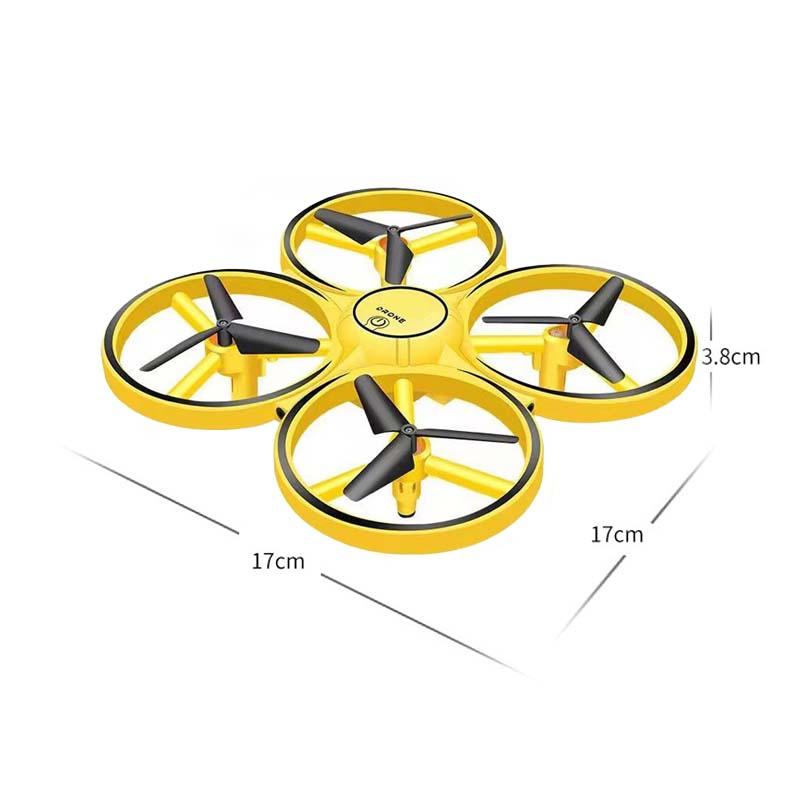
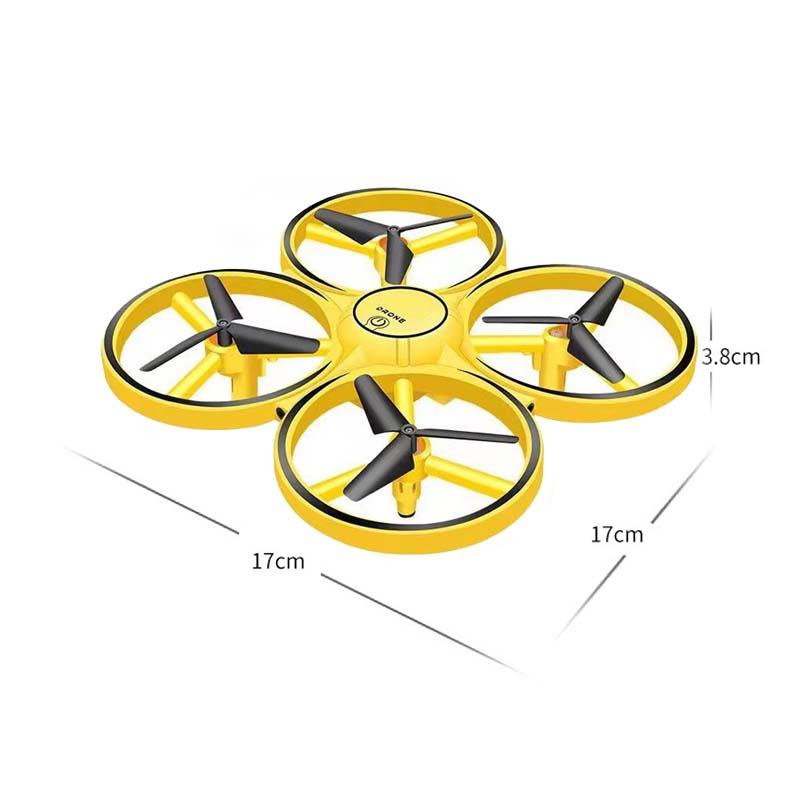
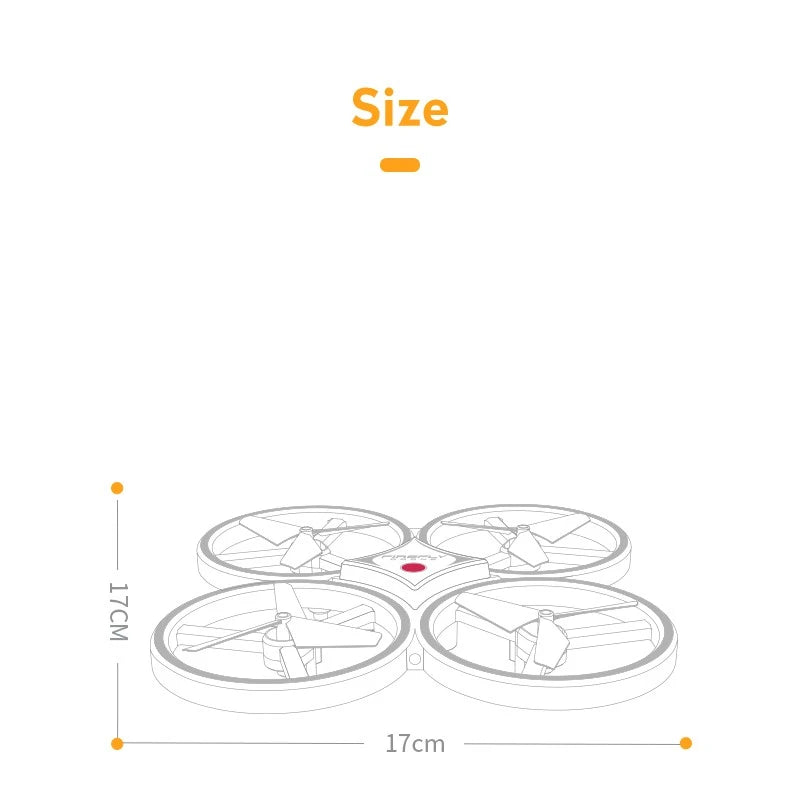
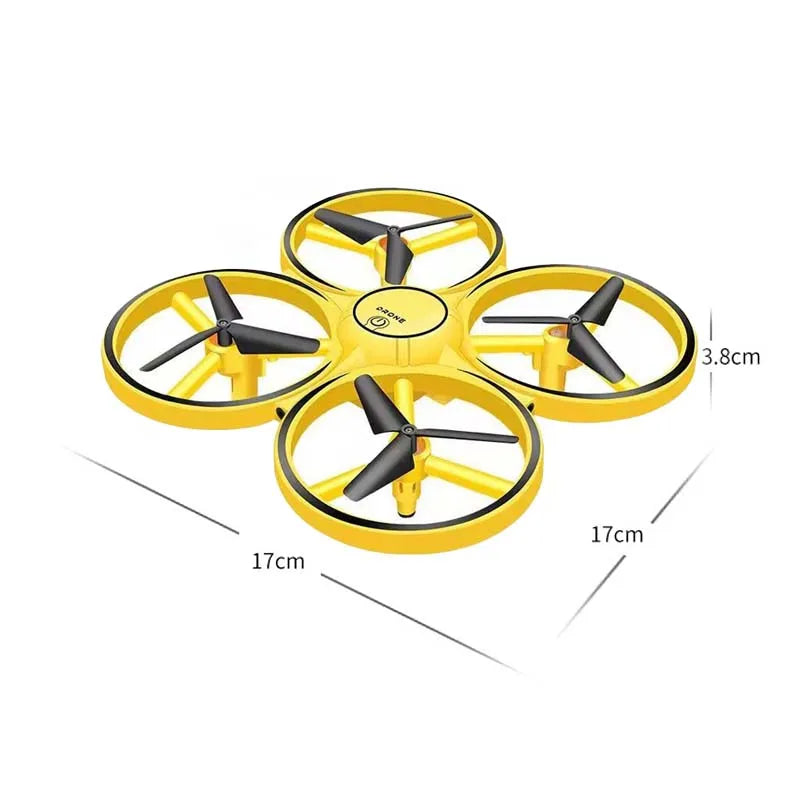
Abmessungen: 17.0*17.0*4.5cm
Controller-Modus: MODUS2
Controller-Batterie: Rechargeable built-in battery
Steuerkanäle: 4 Kanäle
Spannung aufladen: 3.7V
Aufladezeit: 30 mins
Zertifizierung: 3C
Kamerahalterung Typ: Andere
Luftbildaufnahmen: Nein
Beschreibung:
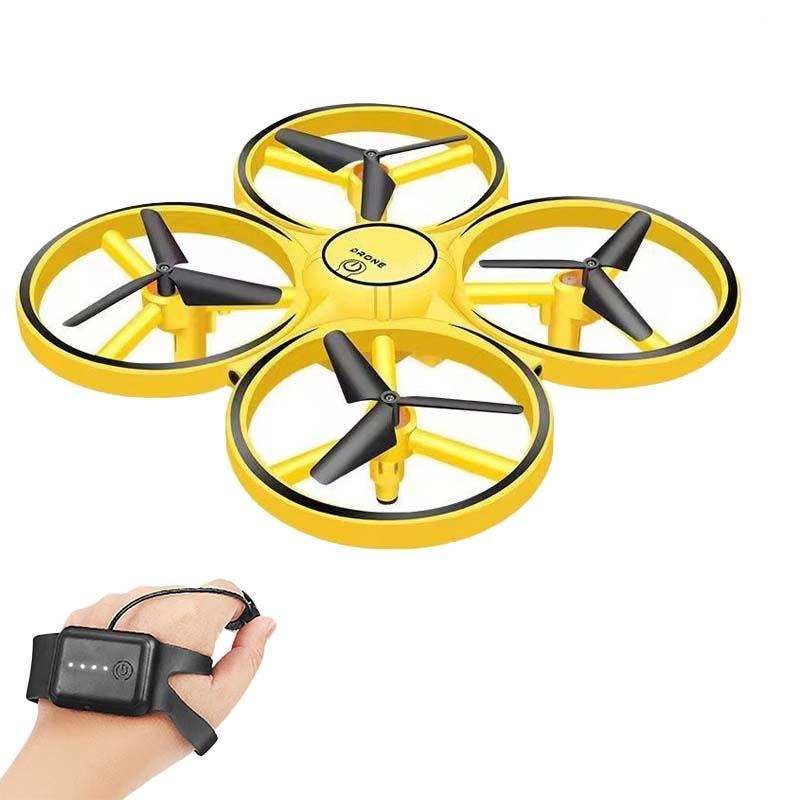
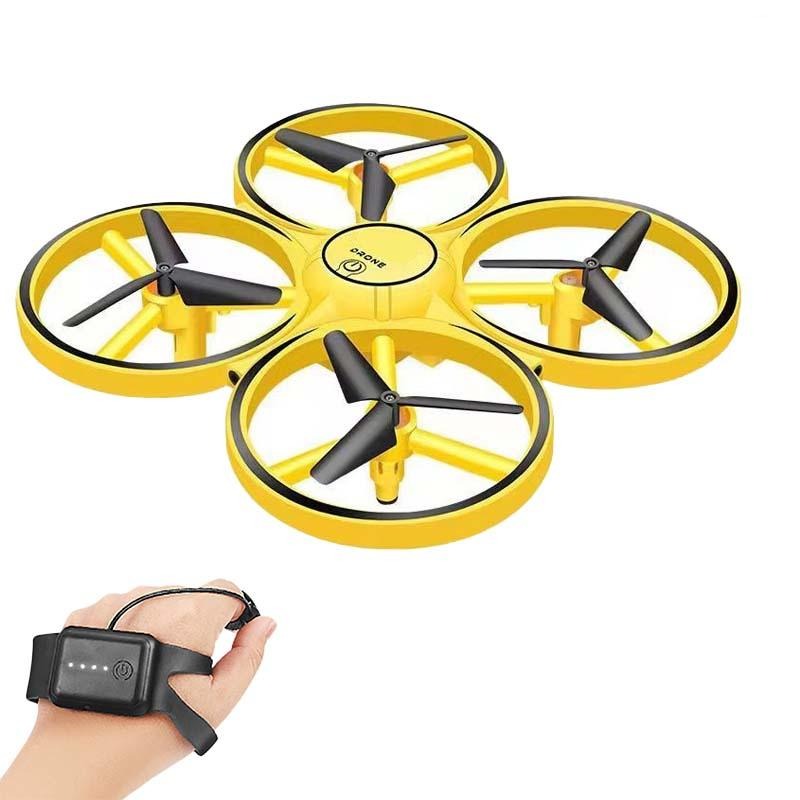
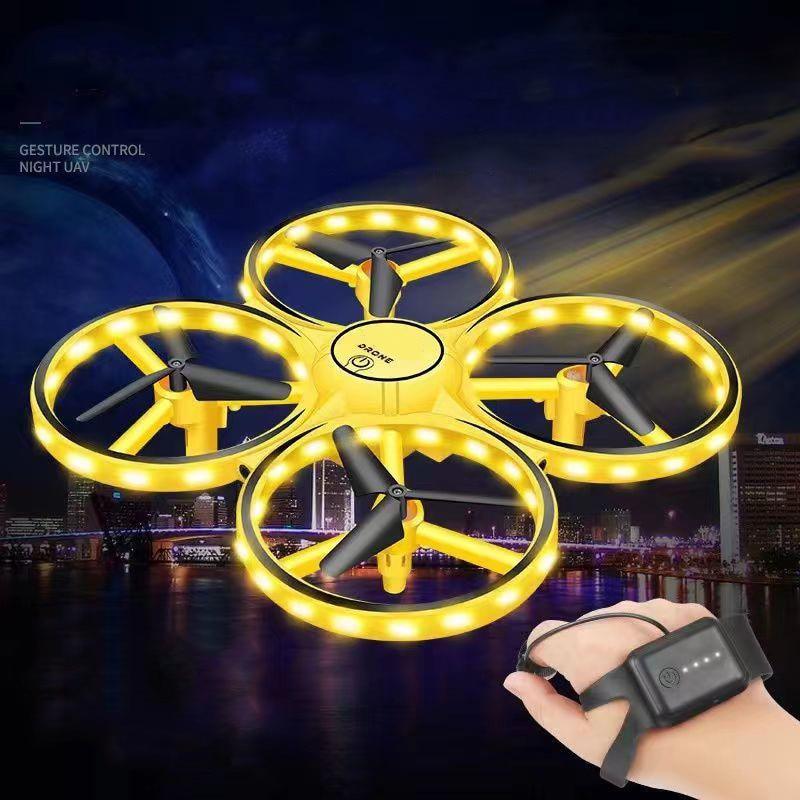
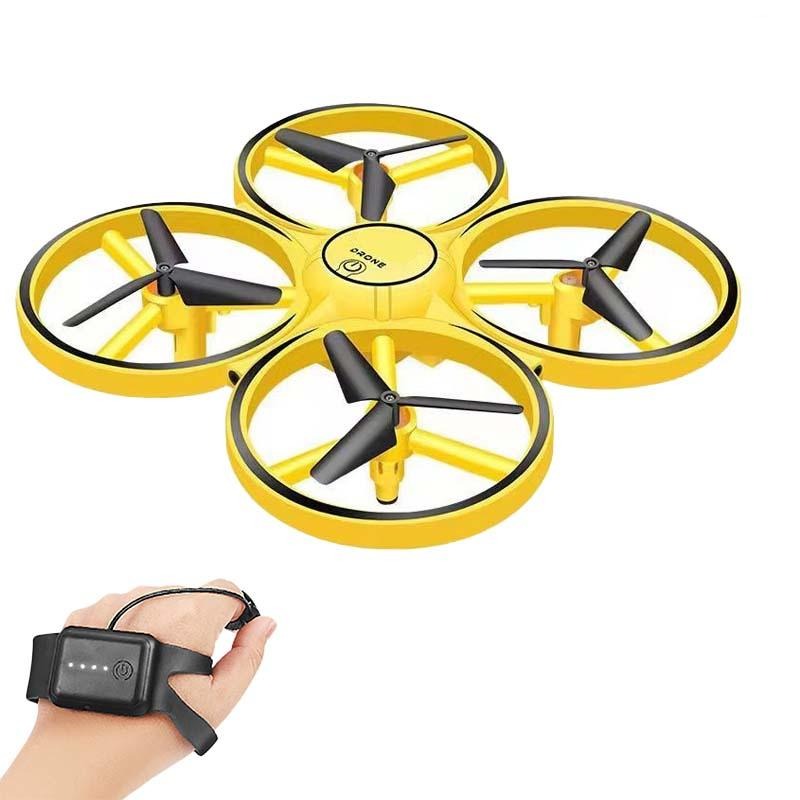
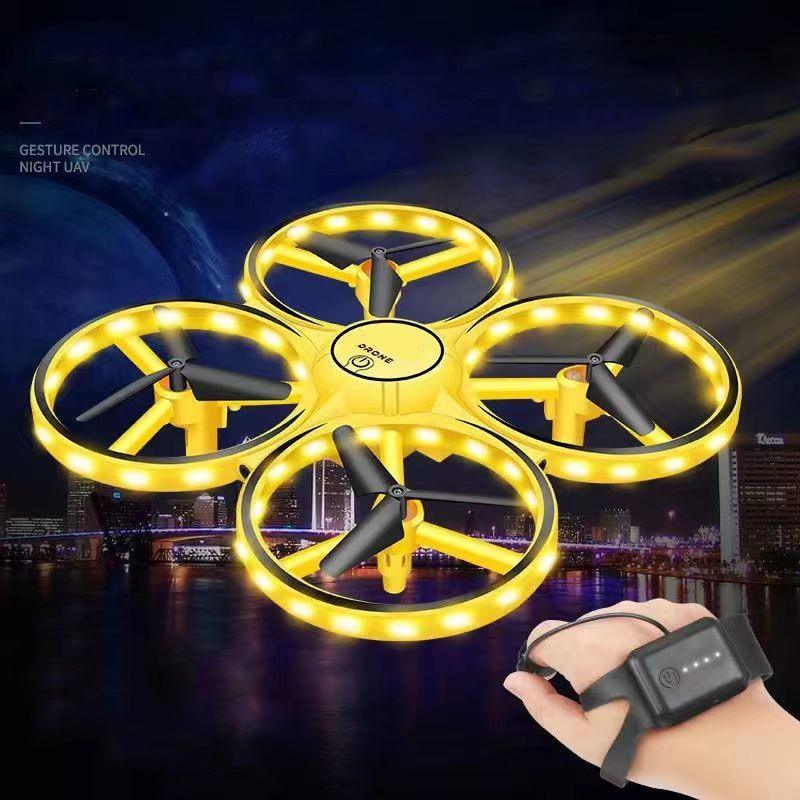
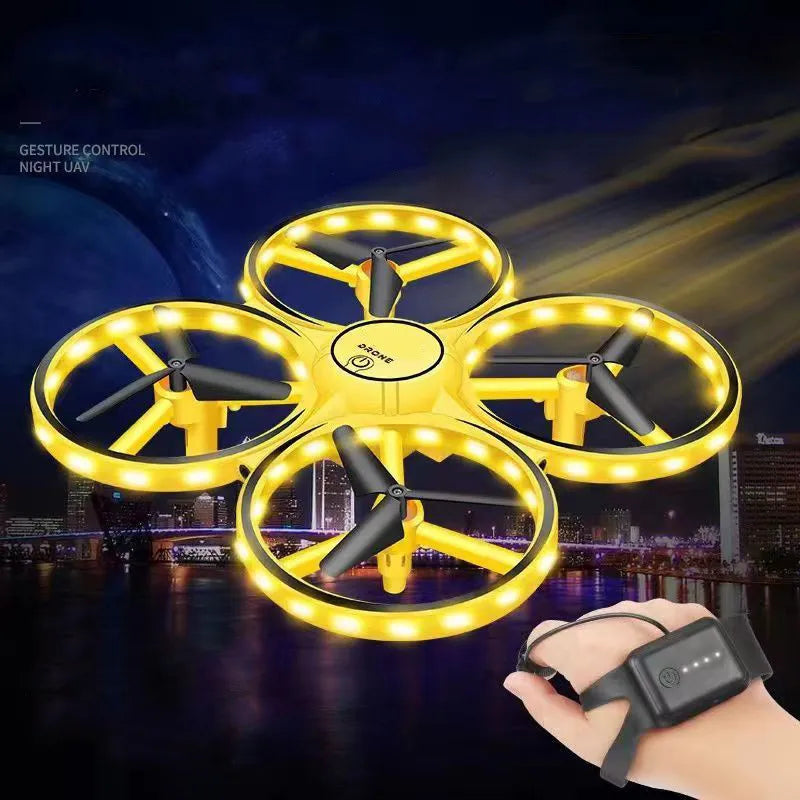
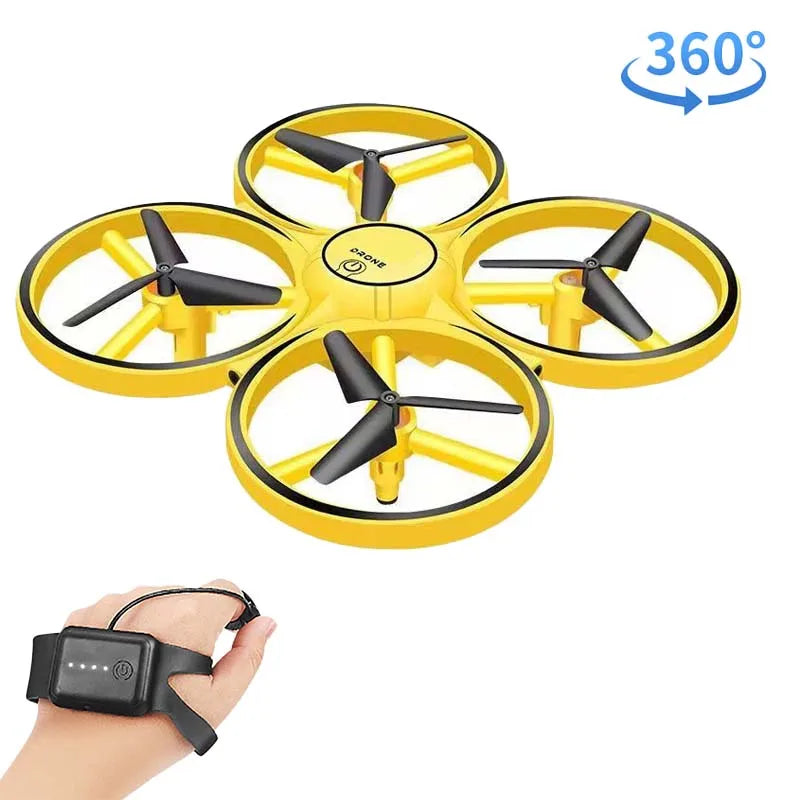
Item name: hand controlled drone
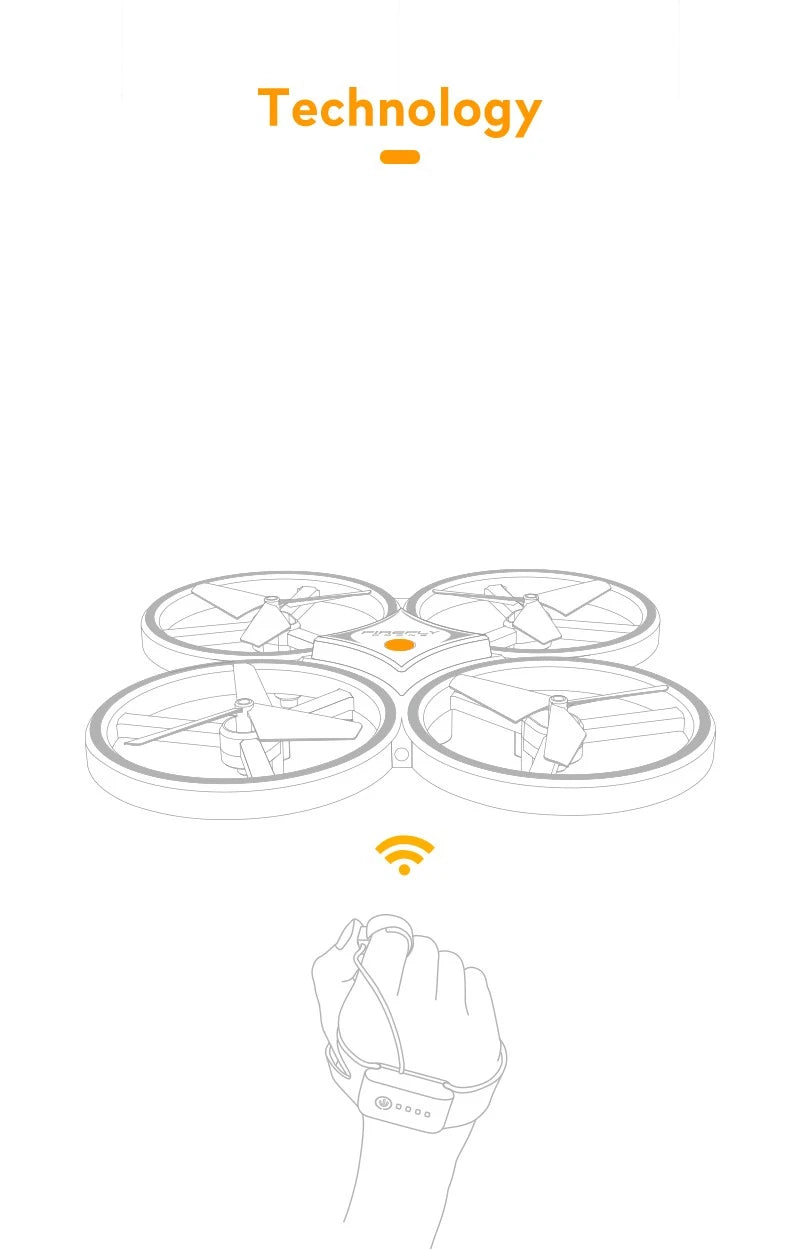
Remote controller: Infrared Induction
Main material: ABS
Color: Yellow
Frequency: 2.4GHz
Battery Charger: USB plug charger
Battery: 3.7V 550mAh battery (built-in)
Remote Control Battery: 3.7V 150mAh battery (built-in)
Remote Control Distance: about 50m
Flying Time: 6mins
Charging Time: about 60mins
Product weight: 70g
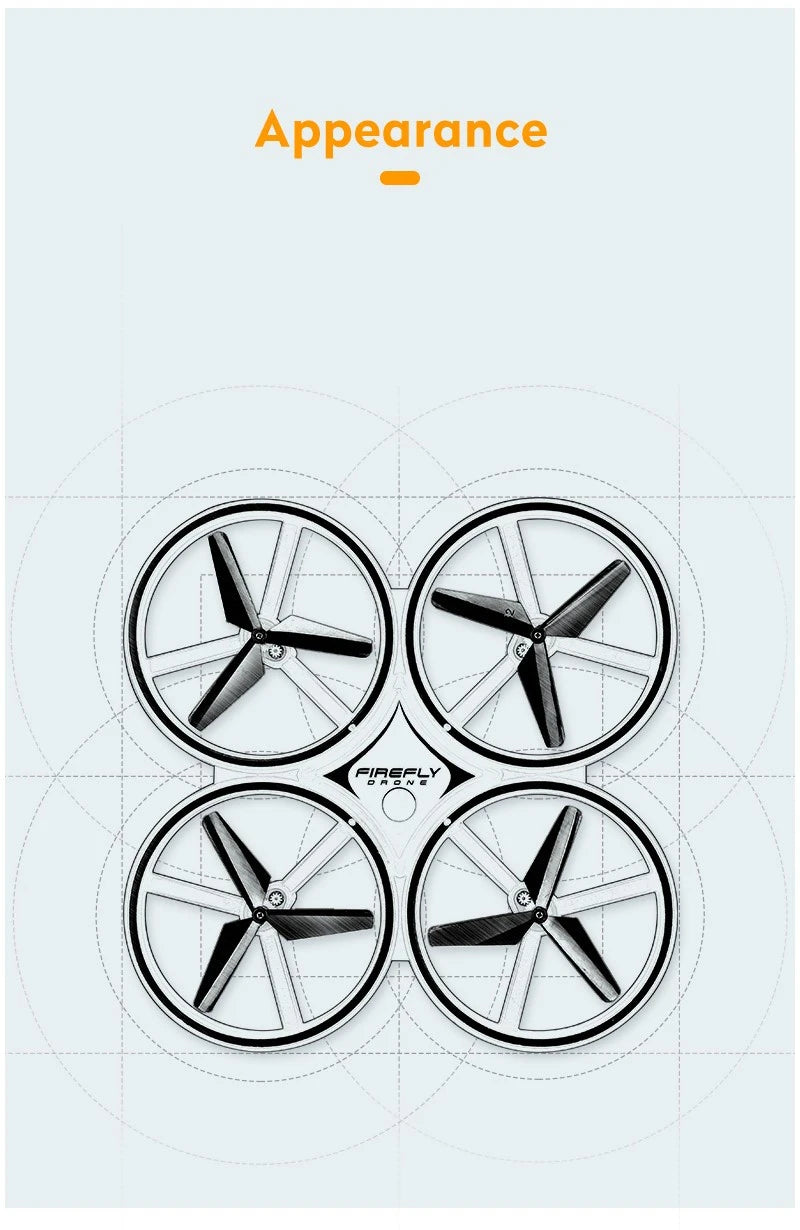
Product size: 170 * 170*45mm
Verpacken:
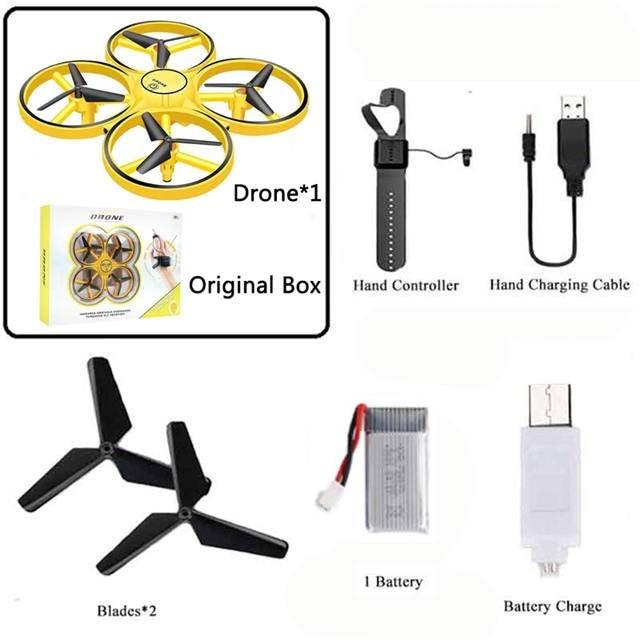
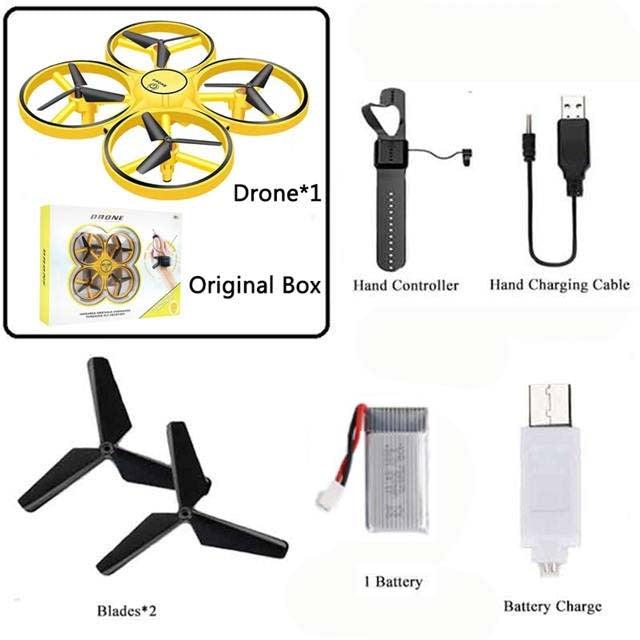
1 * Infrared Drone
1 * Water Drop Remote Control
1 * Wrist Watch Remote Control
2 * USB Cable
2 * Propeller
2 * Battery(built-in)
1 * Screwdriver
1 * English Manual
Note: The light socket and the different screens can cause the color of the item in the image to be a little different from the actual one. The allowed measurement error is +/- 1-3 cm
Betriebsanleitung
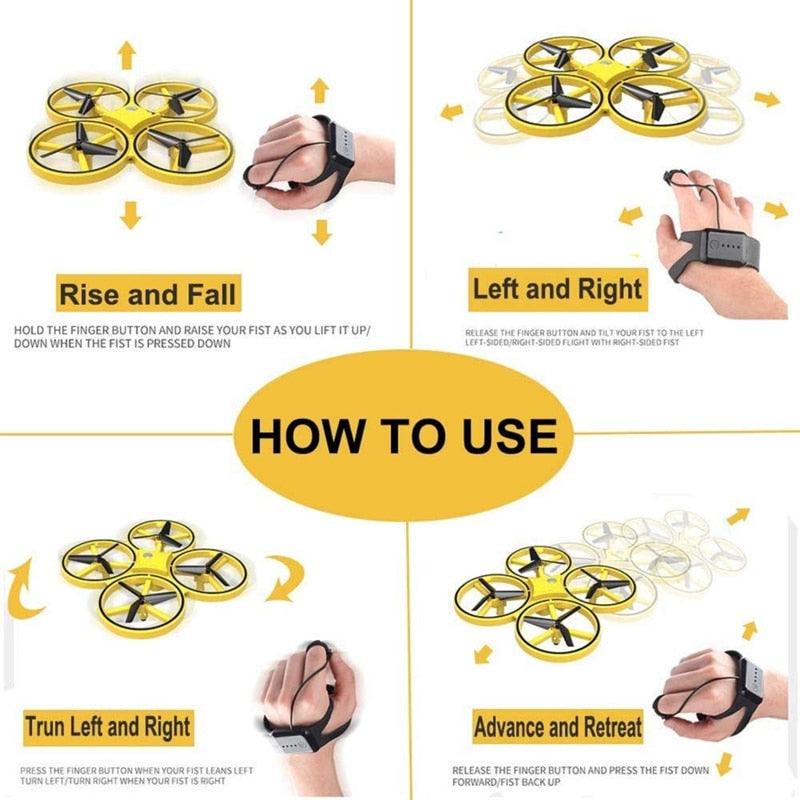
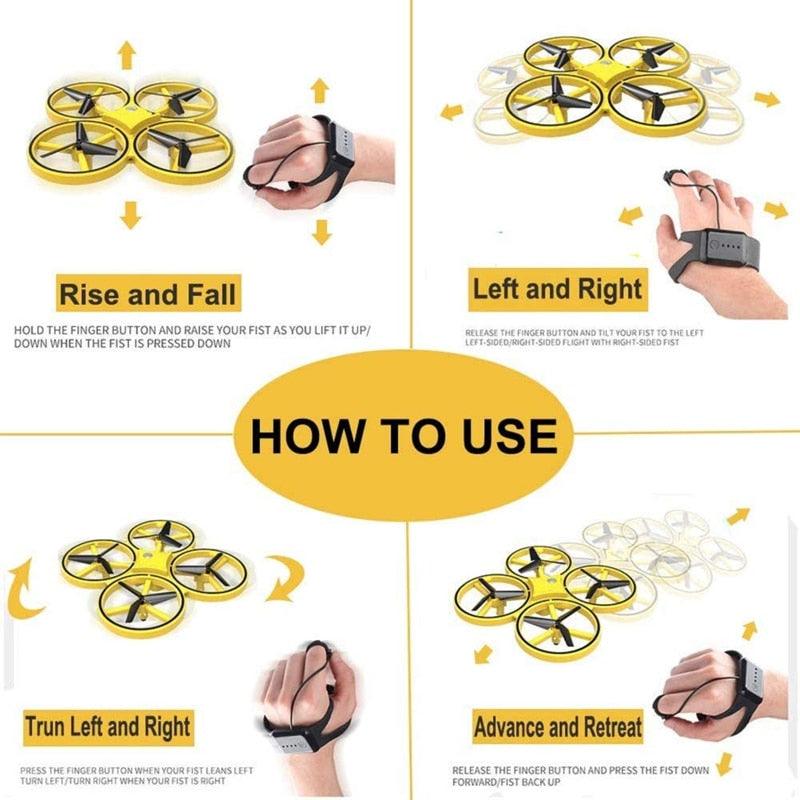
1. Rise and fall
Press and hold the finger button, the fist will rise when it is raised, and it will fall when it is pressed down
2. Turn left and right
Press and hold the finger button, turn left when the fist leans left, turn right when the fist leans right
3. Left and right side flight
Release the finger button to fly to the left when the fist leans to the left and to the right when the fist leans to the right
4. Forward and backward
Release the finger button, move forward when the fist is pressed down, and move backward when the fist is lifted up
5. Obstacle avoidance function
Press the finger button three times quickly and continuously to start the obstacle avoidance mode.
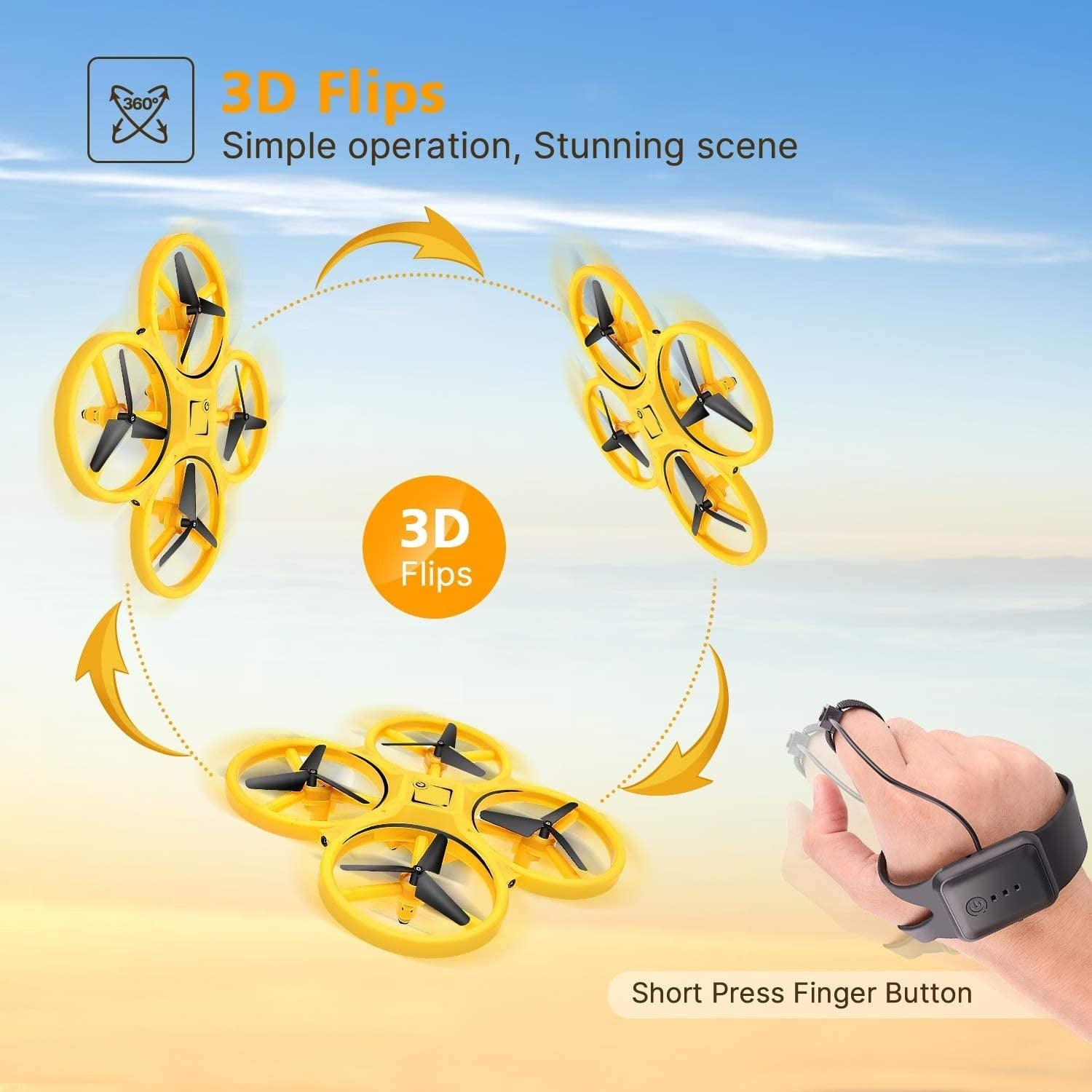
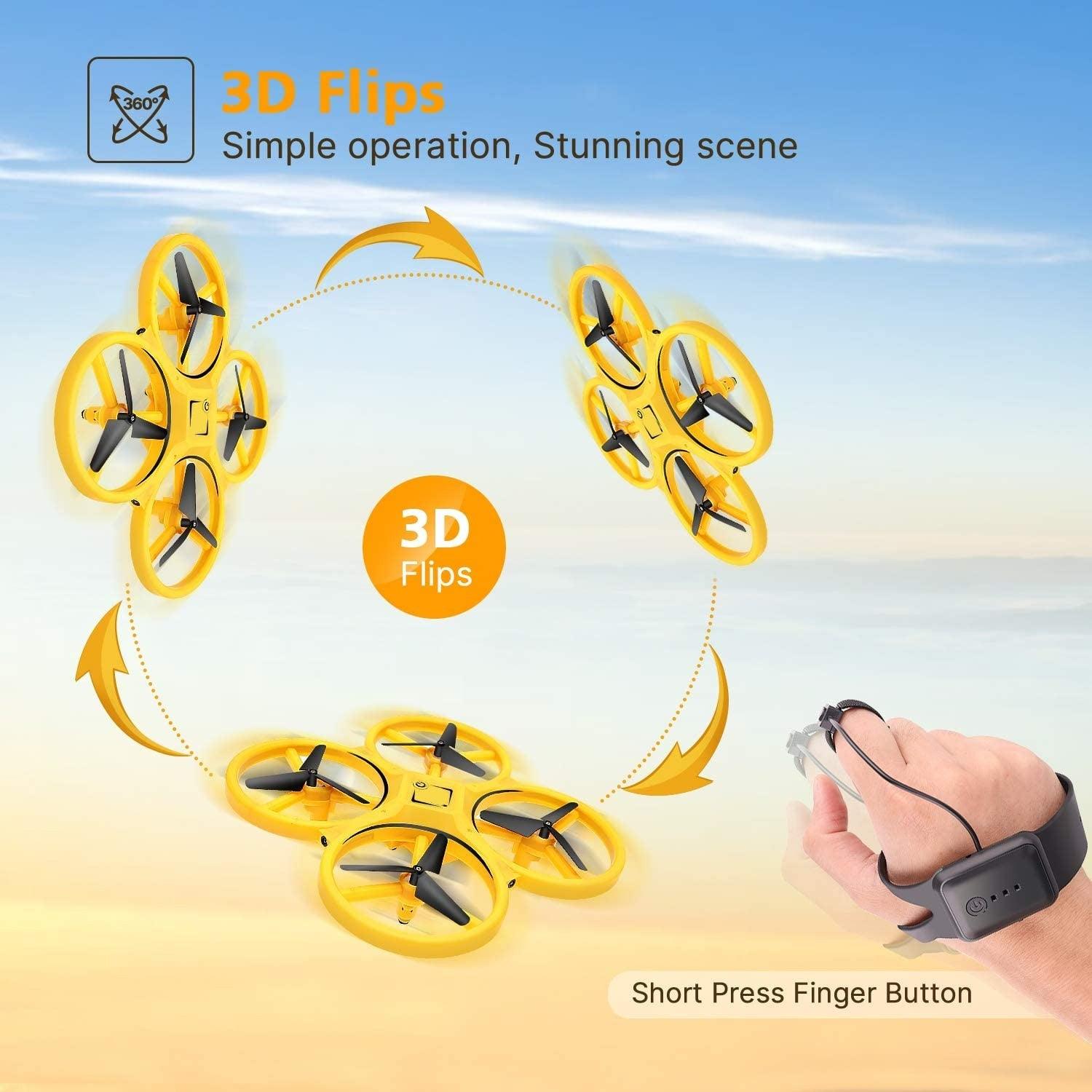
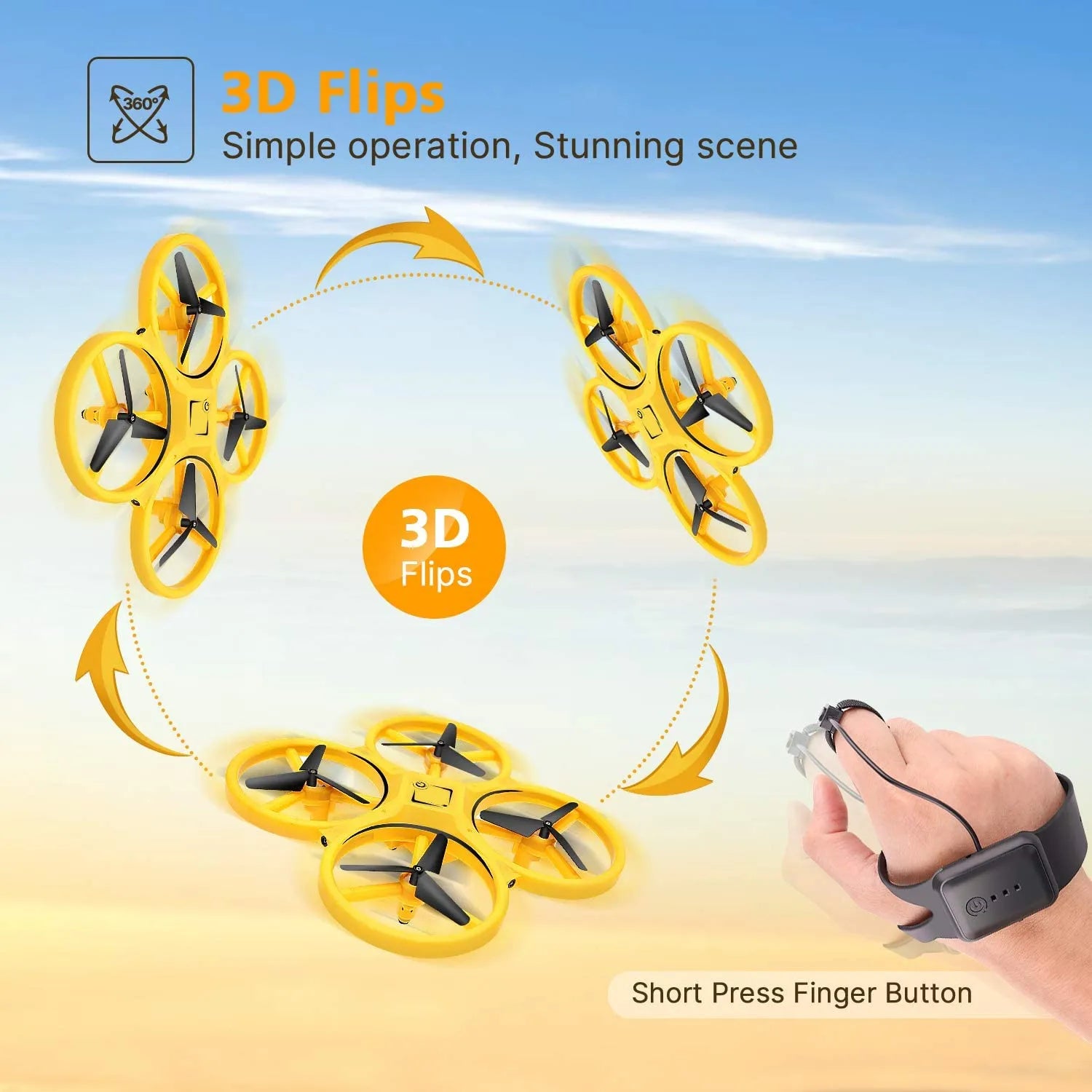
6.360 degree roll
Press the finger button once, no one has a chance to roll. Pay attention
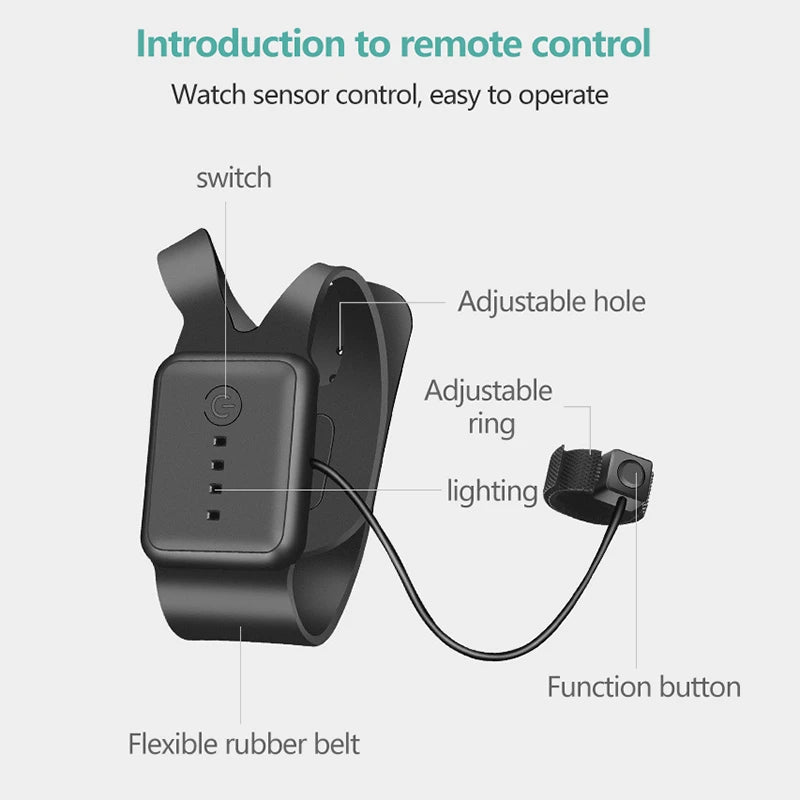
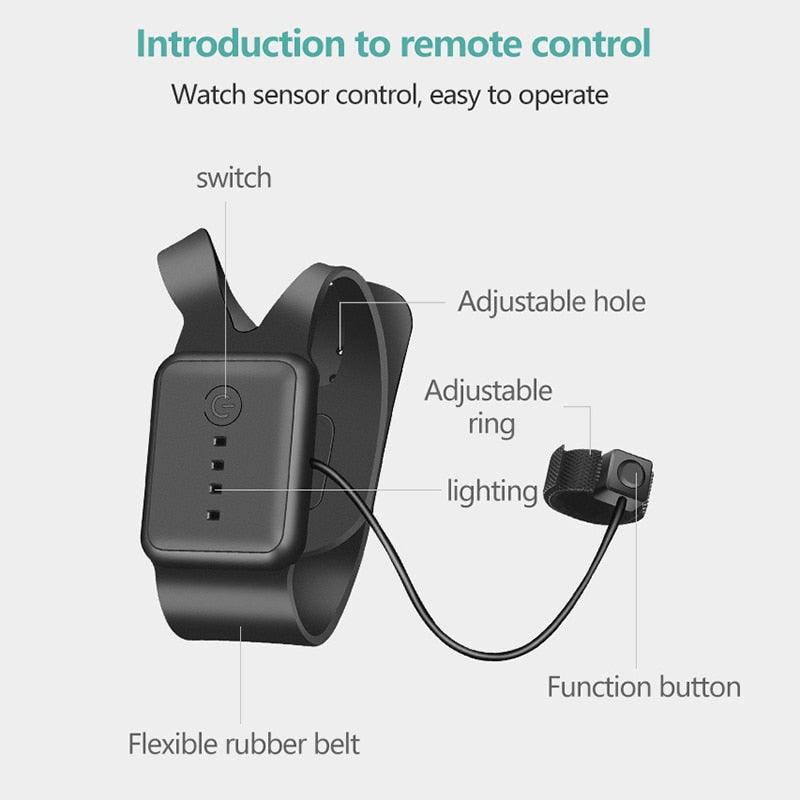
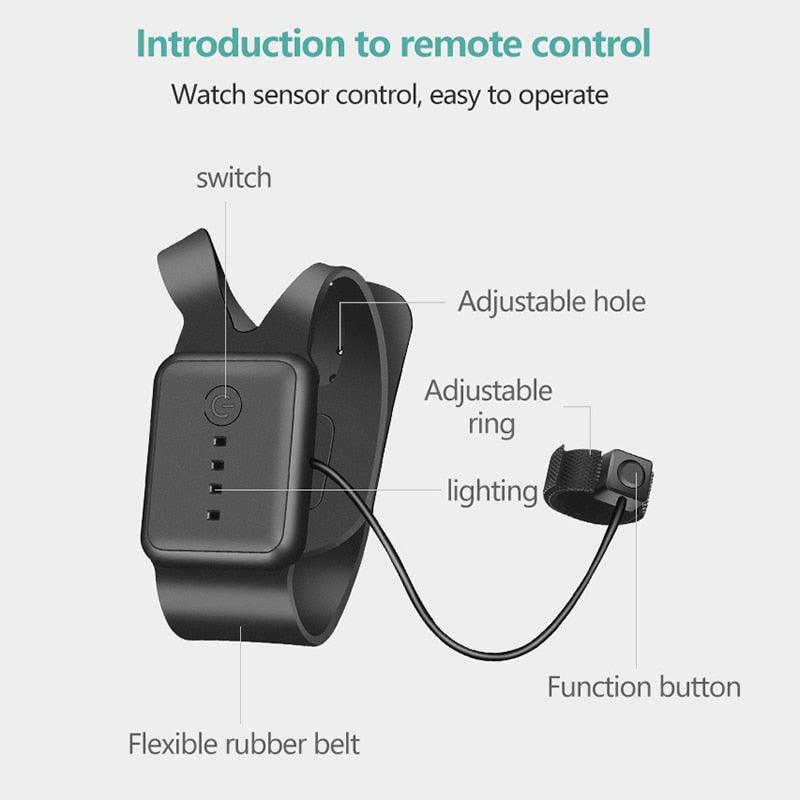
introduction to remote control watch sensor control, easy to operate switch adjustable hole adjustable ring lighting function button flexible rubber
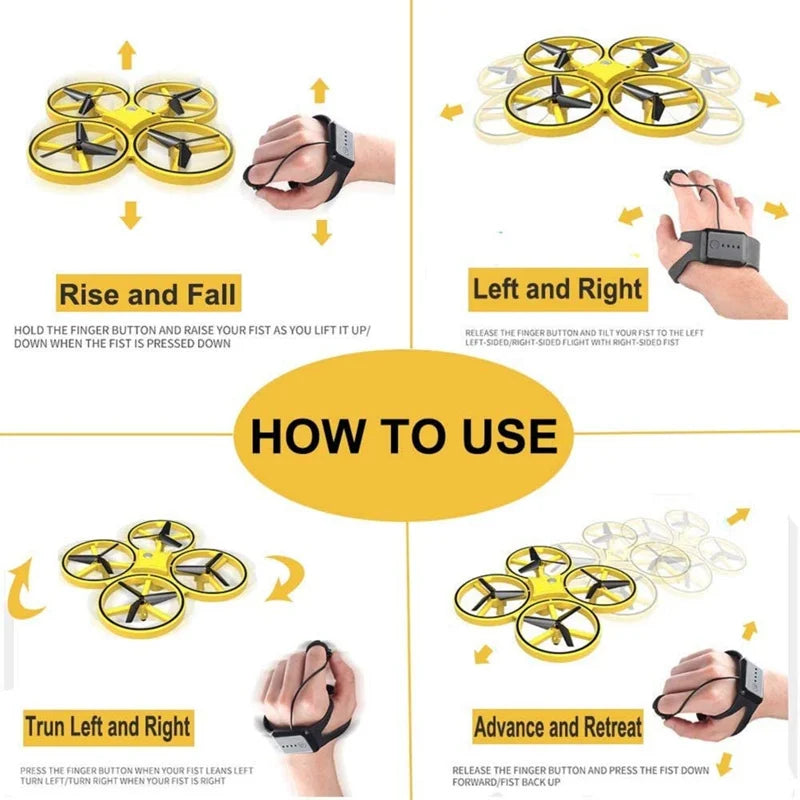
rise and fall left and right hold the finger button and raise your fist as you lift it up/ release tacfinger dutto’and tlttqurmist t0 tme left down
 German
  English
  Russian
  Arabic