ل DJI Avata
Unlock Pro-Level CineWhoop Performance with DJI Avata
Whether you are hunting for a DJI Avata 2 for sale or optimizing your original Avata, getting the right ecosystem is the difference between a cinematic masterpiece and a costly crash. From selecting the best SD card for DJI Avata to mastering the DJI app for Avata, our engineering team has vetted the hardware that keeps you in the air longer and with better signal clarity.
Optimizing Your Flight: Use-Case Scenarios
DJI Avata for Real Estate & Photography: For indoor walkthroughs, the Avata’s ducted design is unmatched. We recommend the DJI Avata for photography enthusiasts who need that 4K/60fps stabilized look in tight spaces. If you are a professional, the DJI Avata 2 for beginners offers improved sensors that make navigating narrow hallways much safer than traditional 5-inch drones.
Freestyle vs. Cinematic: While the Avata is a tank, it does suffer from ‘prop wash’ during aggressive tight turns. If you’re coming from a freestyle background, you’ll notice it has less punch-out power than a custom build. For those looking for more agility, check out our New FPV Arrivals for high-performance alternatives.
Technical Compatibility & Specs
المكوّن
Recommended Hardware
Key Feature
Controller
DJI FPV Remote Controller 2
Full Manual Mode Support
Goggles
DJI Goggles 2 / Goggles Integra
Micro-OLED Clarity
Storage
SanDisk Extreme Pro V30
No Frame Drops at 4K
Maintenance
DJI Assistant 2 for Avata
Firmware & Calibration
Expert Engineering Tips: Solving Real-World Issues
As FPV engineers, we see common ‘Reddit-tier’ issues frequently. A major pain point is the 12V battery problem, where users experience sudden voltage drops; always ensure your firmware is updated via DJI Assistant 2 for Avata to mitigate power management bugs. If you’ve had a hard landing and notice your camera is focusing only at 1cm, you might need specialized Drone Tools to reset the lens carriage without a full DJI service trip.
Regarding signal issues: if your Goggles 3 signal never goes above 20 Mbps outdoors, check your channel mode. Forced manual selection often yields better results than ‘Auto’ in high-interference areas. Also, don’t forget that 4:3 is generally better for FPV flying as it provides more vertical FOV, allowing you to see obstacles better when the drone tilts during acceleration.
Pros and Cons
Pros: Incredible durability, seamless app for DJI Avata integration, and the best-in-class DJI O4/O3+ transmission.
Cons: Prop wash in high-speed turns, ‘battery pop-out’ issues in crashes (use a battery strap!), and limited power compared to 5-inch quads.
Frequently Asked Questions (FAQ)
What apps do I use for DJI Avata?
You should use the DJI Fly app. It is built to optimize your aerial experience, empowering users to fly, capture incredible images, edit, and share with ease. For firmware updates and deep calibration, use DJI Assistant 2 (Consumer Drones Series) on your PC or Mac.
Is 16/9 or 4:3 better for FPV?
4:3 is preferred for FPV flying because it provides more vertical FOV (field of view). This is crucial when your drone tilts forward or backward while speeding up or slowing down, allowing you to see the horizon and obstacles more clearly.
Which goggles work with DJI Avata?
The DJI Avata is compatible with DJI Goggles 2, DJI Goggles Integra, and DJI FPV Goggles V2. The newer Avata 2 is designed for Goggles 3 but maintains some backward compatibility depending on firmware versions.
Which controller for DJI Avata?
For an intuitive experience, the DJI Motion Controller 2 is excellent. However, for full manual (Acro) flight, the DJI FPV Remote Controller 2 is the best controller for DJI Avata to unlock its full potential.
How to connect DJI Avata to phone?
Connect your smartphone to the USB-C port on your Goggles using a high-quality data cable. Launch the DJI Fly app, and you will see the live camera view, which is essential for the Remote ID requirements in many regions.
- ملحقات DJI
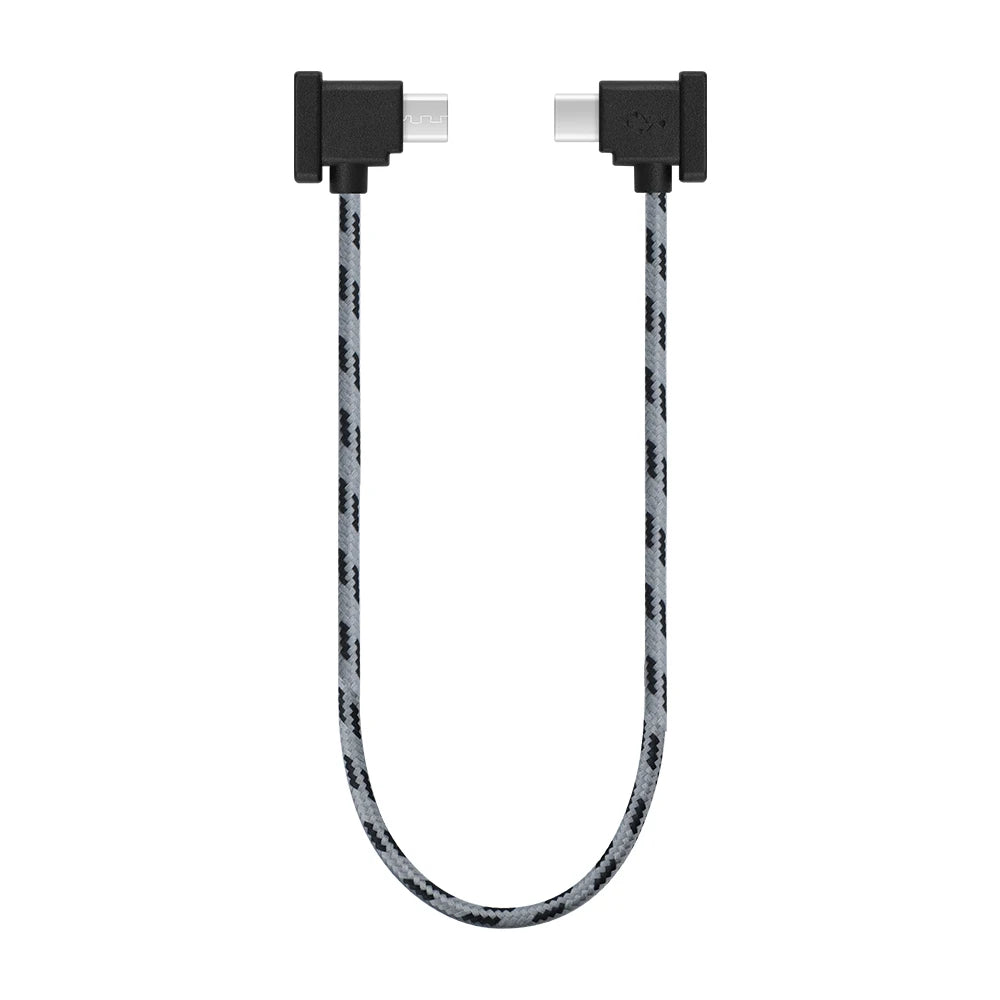
Data Cable for DJI Mini 3 Pro/Mavic 3/Air 2/Mini 2/Air 3 OTG RC-N1/N2 Remote Controller Phone Tablet Micro USB TypeC IOS
النطاق السعري: من $4.71 إلى $5.76 - لـ DJI
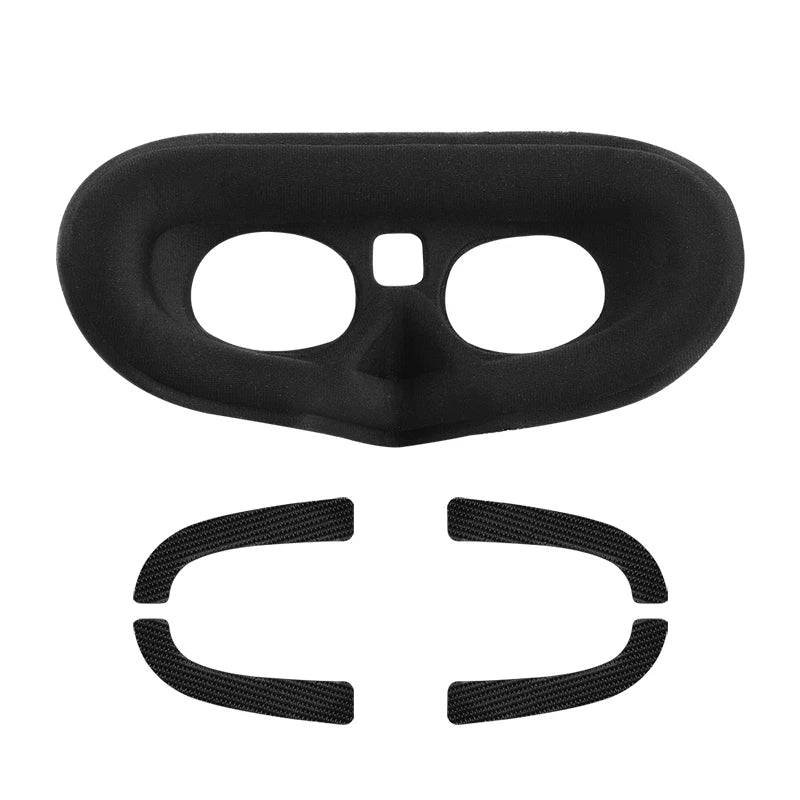
Comfortable Sponge Mask for DJI AVATA Goggles 2 – Flight Glasses Prevent Light Leakage non-slip Eye Mask Avata Drone Accessories
النطاق السعري: من $9.91 إلى $11.70 - ملحقات الدرون
Avenger 5inch FPV frame Kit – HD Frame fpv drone frame quadcopter Protection Dji HD Digital System fpv kit DIY new year gifts 2023
النطاق السعري: من $27.10 إلى $43.38 - ملحقات DJI
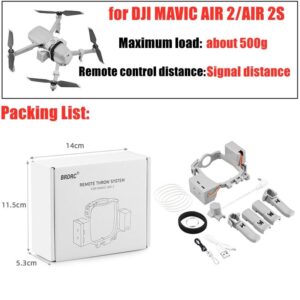
نظام الإسقاط الطائر للطائرة بدون طيار DJI Mavic air 2/Air 2S Mini 2 Mavic 2 Pro طُعم هدية الصيد عن بُعد لقاذف الصيد عن بُعد لـ FIMI X8 SE 2020
النطاق السعري: من $28.74 إلى $39.80
 Arabic
  English
  Russian
  German